Listing website builder
Build a listing website for anything people search for.
Jobs, local businesses, items for sale, cars, events or homes. Zertle gives each one the fields, filters and pages the leading sites use, on your own domain.
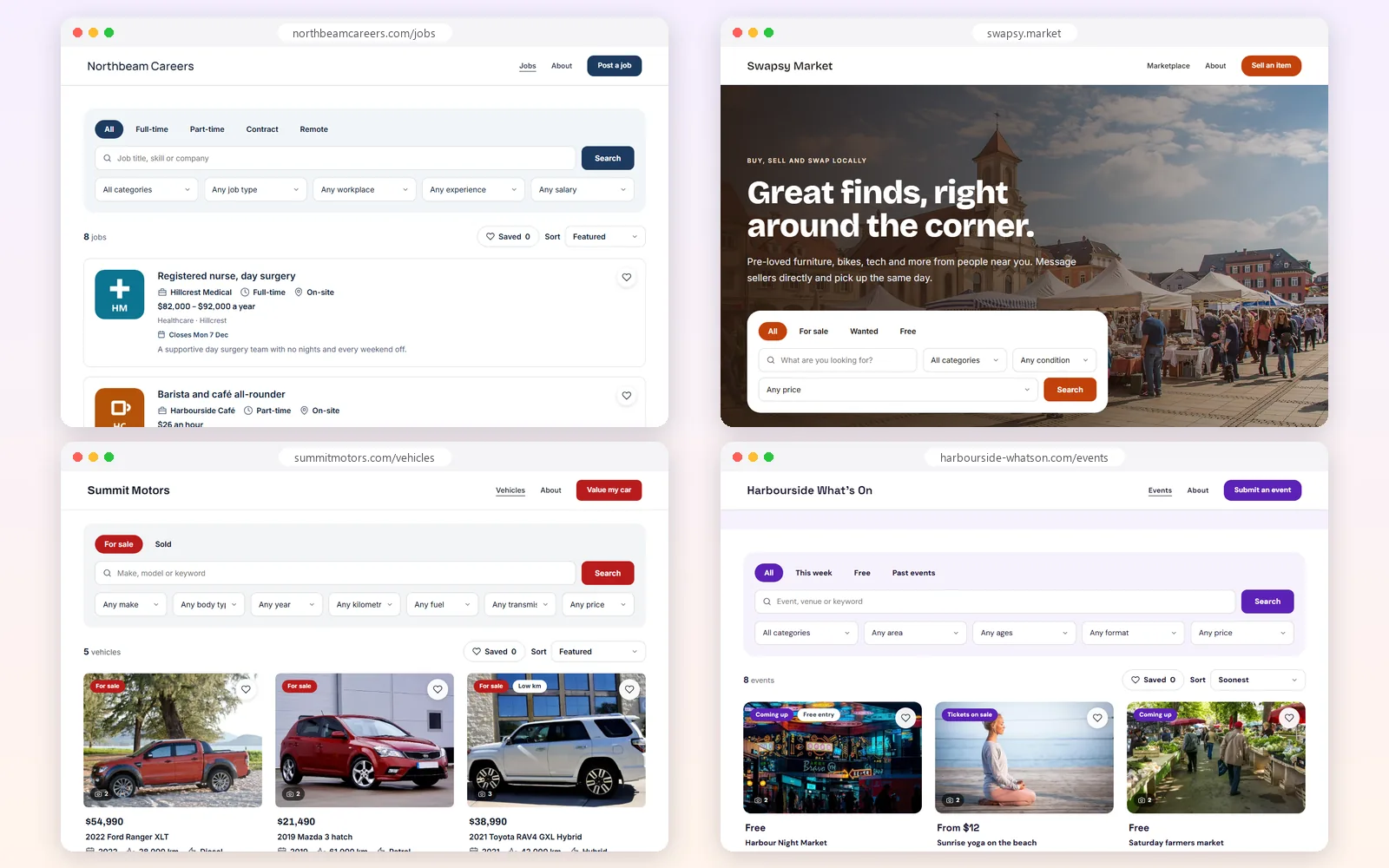
Six kinds of listing website, ready to go.
Job boards
Salaries, job type, workplace and experience filters, closing dates, Apply now buttons and applications with a CV link, emailed to the recruiter.
Business directories
Categories, neighbourhoods and price range, with opening hours, phone, website and directions on every listing.
Marketplaces and classifieds
For sale, wanted and free items, condition and delivery filters, and Message the seller.
Car and vehicle dealers
Make, body, year, odometer, fuel and transmission filters, specifications, test drives and a finance calculator.
Event guides
This week and free tabs, dates and sessions with Add to calendar, venues, ages and ticket links.
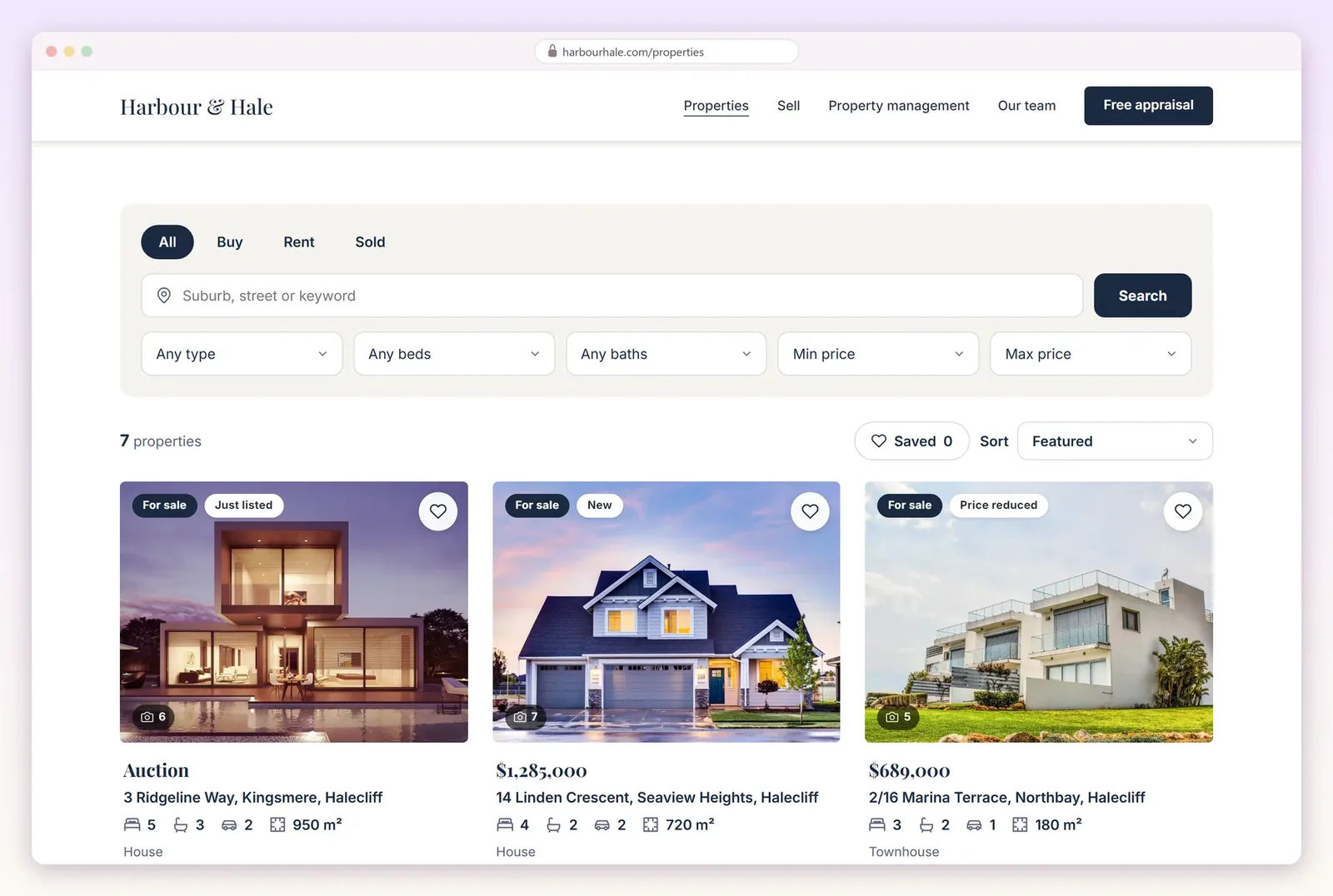
Property
Buy, Rent and Sold, floor plans, open homes, agents and a repayment calculator. See our real estate websites.
Everything the big sites have, built in.
Every listing website gets fast search with tabs and filters, saved listings, sorting, Show more, photo galleries with a full-screen viewer, maps, video, sharing and similar listings.
Each listing has its own page, address and search description, with the structured data search engines expect: job postings, local businesses, products, vehicles and events.
- Enquiries and applications go to the right person and your inbox
- One design for every listing page, fully editable
- Templates for each kind of site to start from
Live in an afternoon.
- 1
Pick a template
A job board, directory, marketplace, car yard, events guide or real estate template.
- 2
Choose what you list
Zertle sets up the fields, filters and pages for it.
- 3
Add your listings
Photos, details and the people to contact, then publish.
Listing website questions.
More in the help centre.
Which plan do I need?
Business includes up to 25 listings, Store up to 500 and Elite up to 25,000. Sold, filled or past listings count while they're on your site.
Can visitors post their own listings?
Visitors send their listing with a form (Post a job, Add your business, Sell an item, Submit an event), and you add it in your dashboard after a quick check. That keeps your site free of spam.
Can I change what my site lists later?
Yes. Choose another kind in Listings → Settings and the fields, filters and words change to match. Existing listings keep their details.
Do listings show up in Google?
Yes. Every listing has its own page in your sitemap, with structured data for jobs, businesses, products, vehicles and events.
Templates for listing websites.
All website templates


Start your listing website.
Build it free, then upgrade to Business to publish your listings.