Trades and home services
A website that wins quotes while you're on the job.
Customers look you up on their phone, often in a hurry. Give them proof of good work and a quick way to ask for a quote, and let the enquiries come to you.
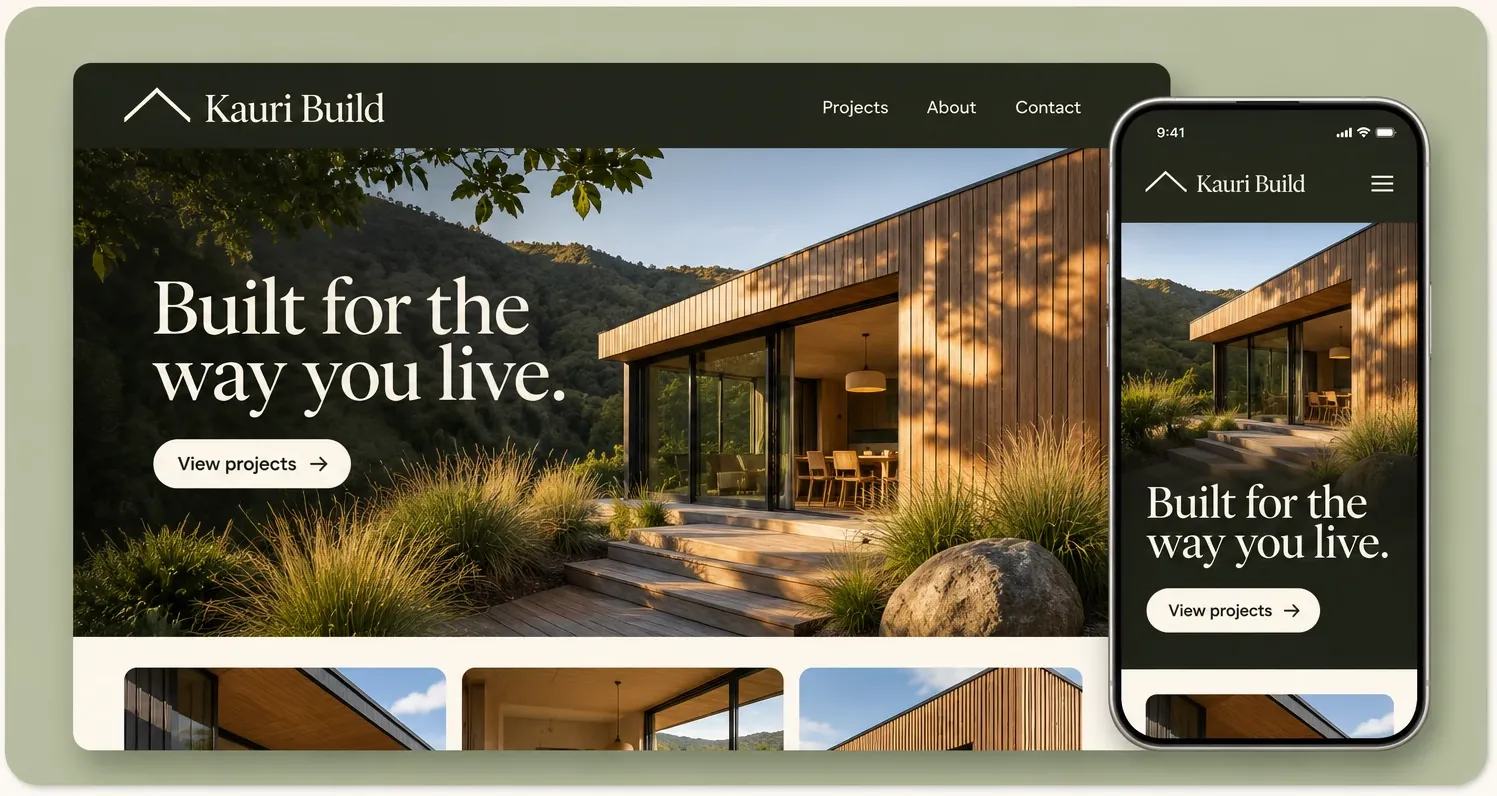
What customers check before they call.
Quote forms that qualify
Ask for the job type, suburb, budget and photos so you can quote accurately first time.
Project photos
Before-and-after sliders and galleries show the quality of your work.
Service areas
List the towns and suburbs you cover so local customers know you'll come to them.
Reviews and credentials
Testimonials, star ratings and badges for licences or memberships you hold.
Tap to call
Phone and email buttons that work with one tap on mobile.
Fast on site
Pages load quickly even on a patchy mobile signal.
Set up in a few evenings.
- 1
Start from a trades template
Laid out for services, projects and quotes.
- 2
Add your jobs and reviews
Upload project photos straight from your phone.
- 3
Publish and share
Add the link to your van, quotes and Google Business Profile.
Trade website questions.
More in the help centre.
Can I see quote requests on my phone?
Yes. Every request is emailed to you instantly and saved in your Zertle inbox, which works on any phone.
Can I take deposits online?
Stripe payment links for deposits are coming to the Business plan. You can already sell fixed-price services as products.
Do I need a lot of photos?
A handful of good project photos is plenty to start. Add more as you finish jobs.
Templates for trades and home services.
All website templatesKauri BuildBuilder website template
Bedrock Civil & ConcreteConcrete contractor website template
Brushline PaintersPainter and decorator website template
Fernwood LandscapesLandscaping website template
Flowright Plumbing & GasPlumber website template
Grain & Grout FlooringFlooring company website template
Turn searches into jobs.
Start free and have your site live this week.