Everything you do in the editor is saved as a draft. Visitors only see it when you publish.
Before you publish: preview
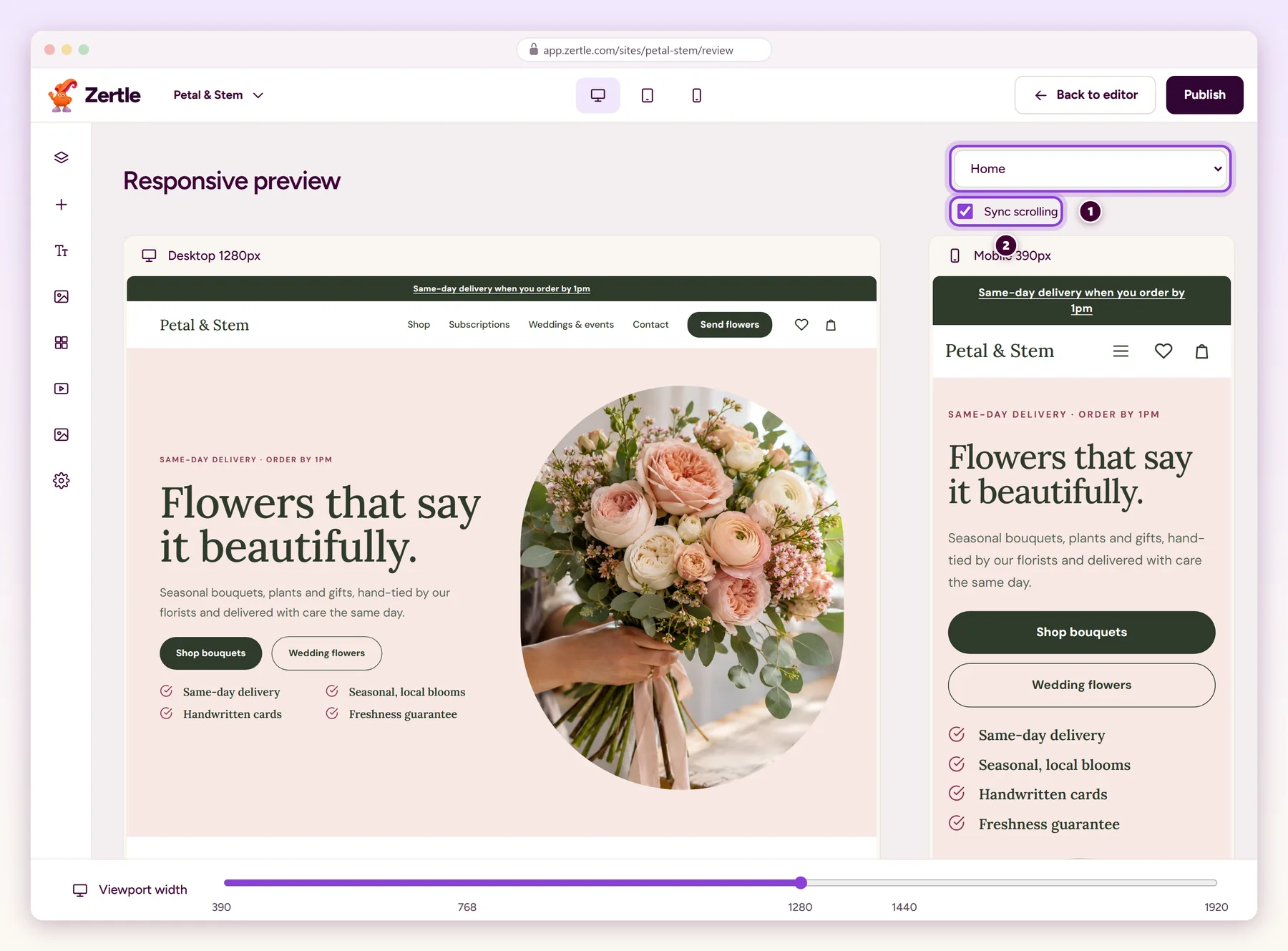
Choose Preview in the editor (or Review on your dashboard) to see your pages side by side on a computer, tablet and phone. Choose the page at the top, and tick Sync scrolling to scroll all three together.
Publish
- Choose Publish in the top bar of the editor.
- Zertle checks every page first and shows four scores: Search (SEO), Speed, Accessibility and Design.
- Fix anything it finds (see below), then choose Publish.
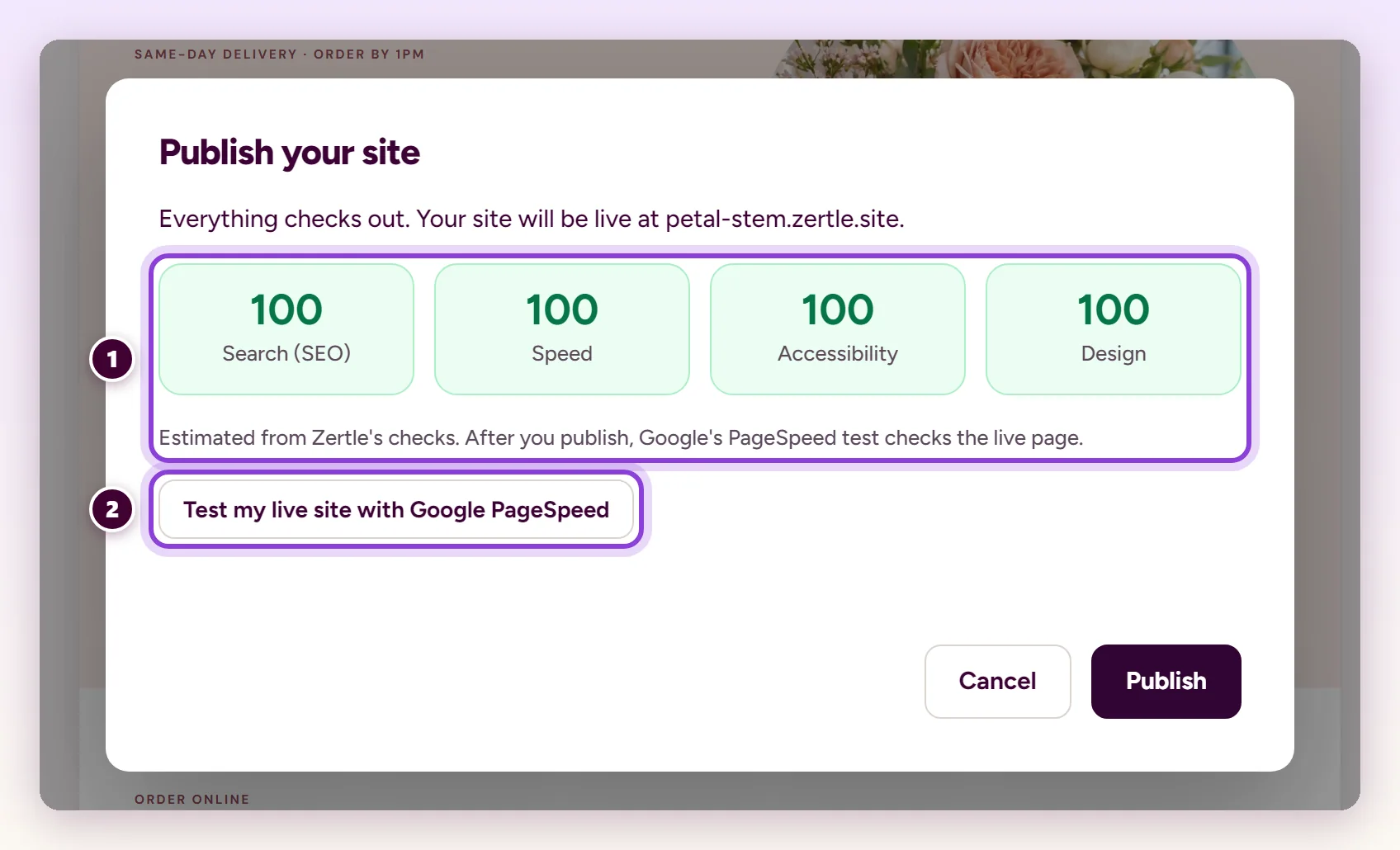
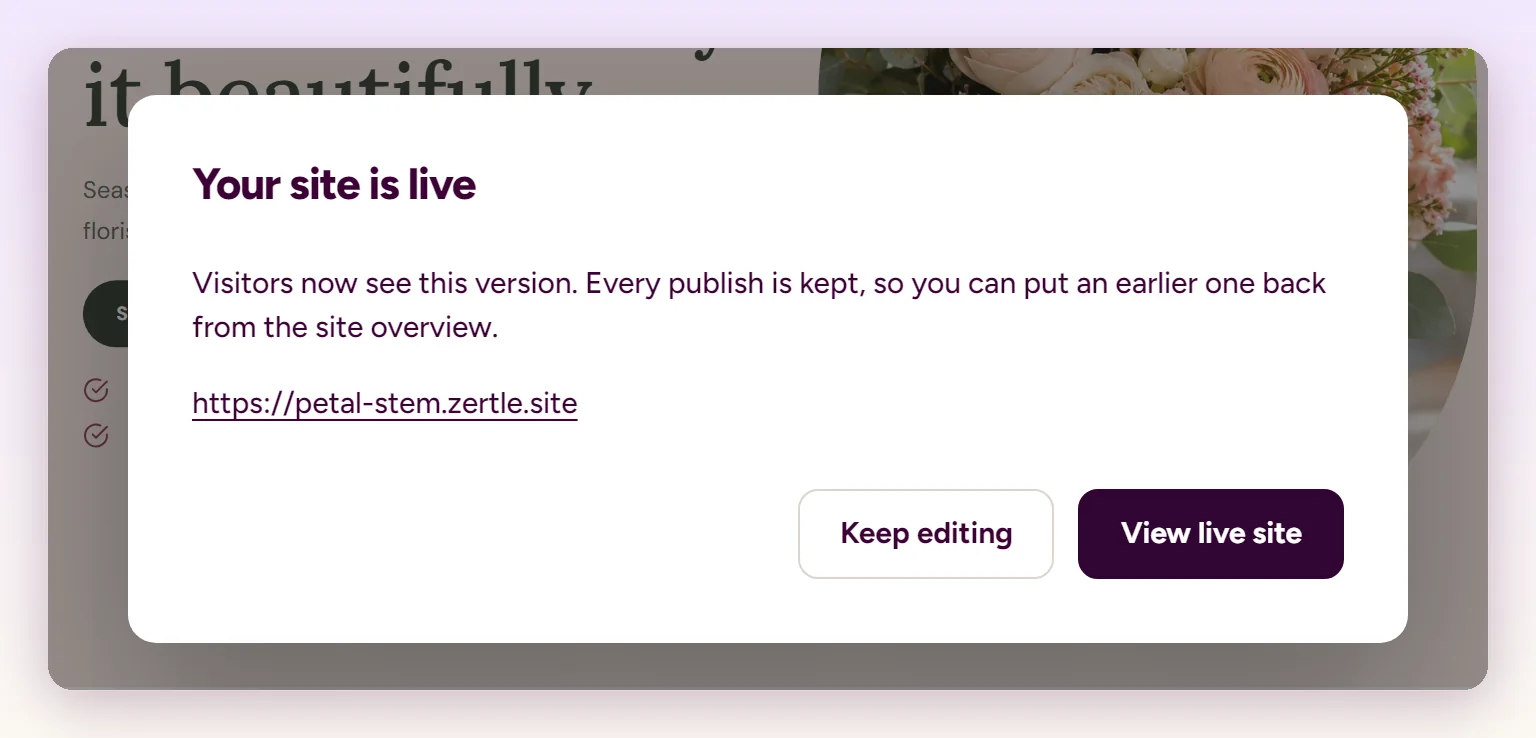
When it's done, your site is live straight away. Choose View live site to see it, or Keep editing.
Fix what the check finds
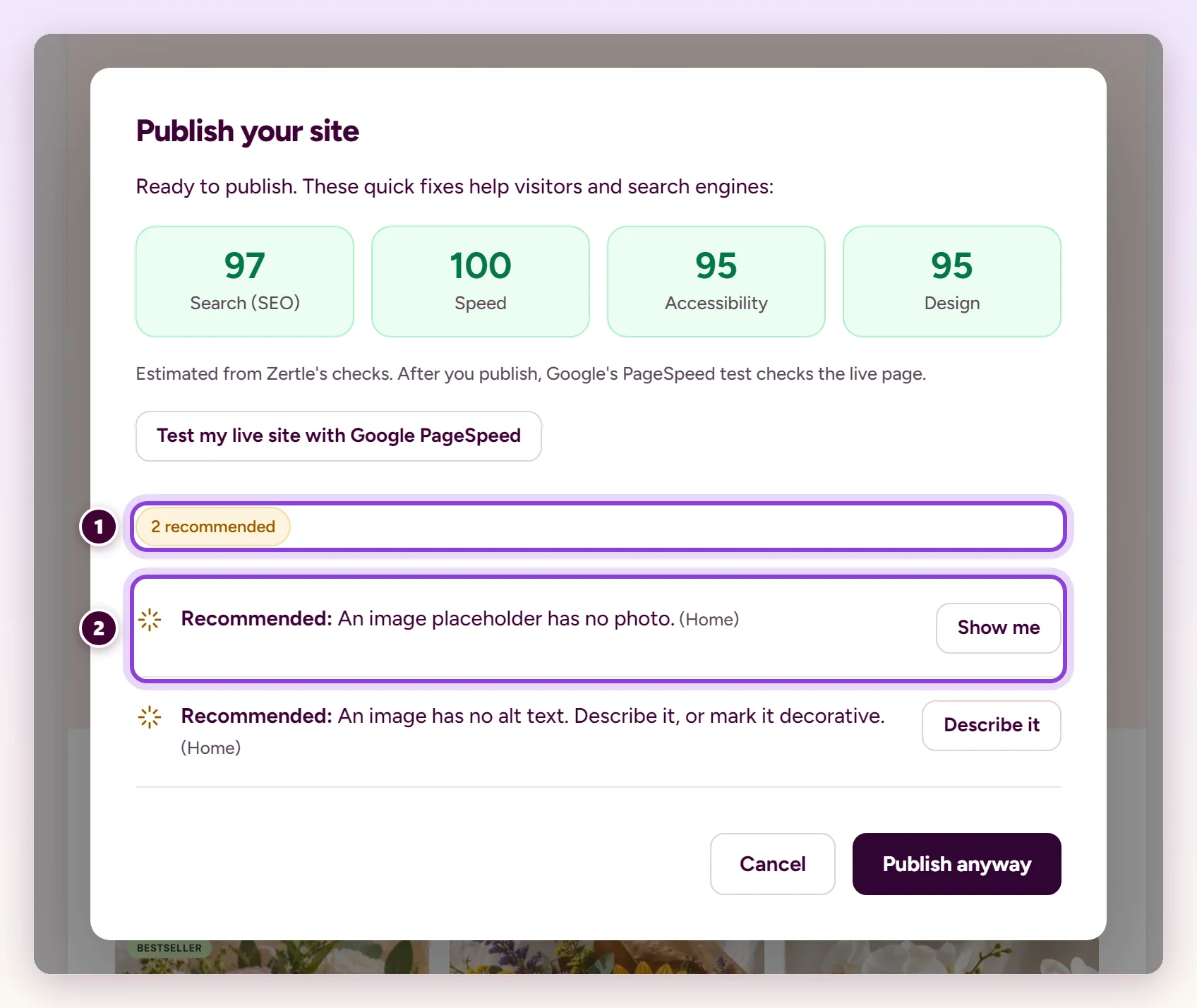
Items are marked:
- Must fix: something that would break your site for visitors, like a button that goes nowhere, or a feature your plan doesn't include. You can't publish until these are sorted.
- Recommended: things that help visitors and Google, like photo descriptions, search descriptions or text that's hard to read. You can Publish anyway.
Most items have a button that does the fix for you or takes you straight to it:
| Button | What it does |
|---|---|
| Show me | Opens the page and selects the element. |
| Describe it / Write it | Lets you type a photo description or a search title or description right there. |
| Write with Zelly / Describe with Zelly | Zelly writes it for you (uses a credit). Let Zelly write these does several at once. |
| It's decorative | Marks a photo as decoration so screen readers skip it. |
| Fix colour / Add padding | Fixes hard-to-read text or cramped boxes. Undo if you don't like the result. |
Updating your site
Make changes any time; they stay in your draft until you publish again. Products, posts and shop settings work the same way.
Things that update without publishing
Redirects, page passwords, review approvals, booking services and hours, and your online ordering menu all work straight away.
Your site's address
Your site is live at yourname.zertle.site straight away. To use your own address, like yourbusiness.com, see Use your own domain.
← All publishing and search guides