Undo and redo
Undo in the top bar (or Ctrl+Z) steps back through your recent changes. Redo (Ctrl+Shift+Z) puts them back.
Versions of your design
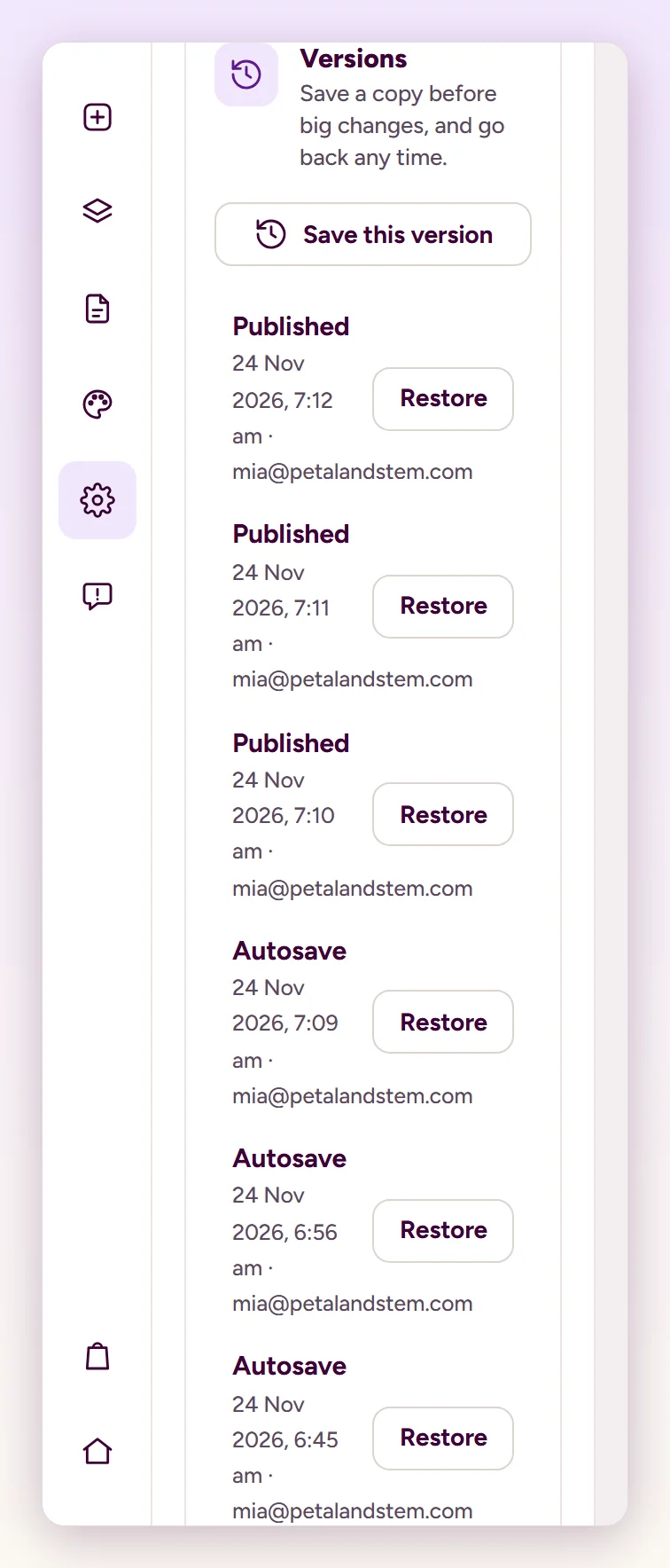
Zertle saves versions as you work and every time you publish.
- In the editor, open the cog icon (Versions and settings) and scroll to Versions.
- Choose Save this version before a big change, so you can always come back to it.
- To go back, choose a version and Restore it. Your current design is saved as a version first, so nothing is lost.
Put an earlier publish back live
On your site's Overview, Publish history lists every publish. Choose Put back live on an earlier one to make it your live site again. Your draft in the editor isn't changed.
A full backup
You can also download a full backup of your site at any time.
← All publishing and search guides