Your site is always available at yourname.zertle.site. On a paid plan you can use your own address too, like yourbusiness.com. Open Domain in your site's menu.
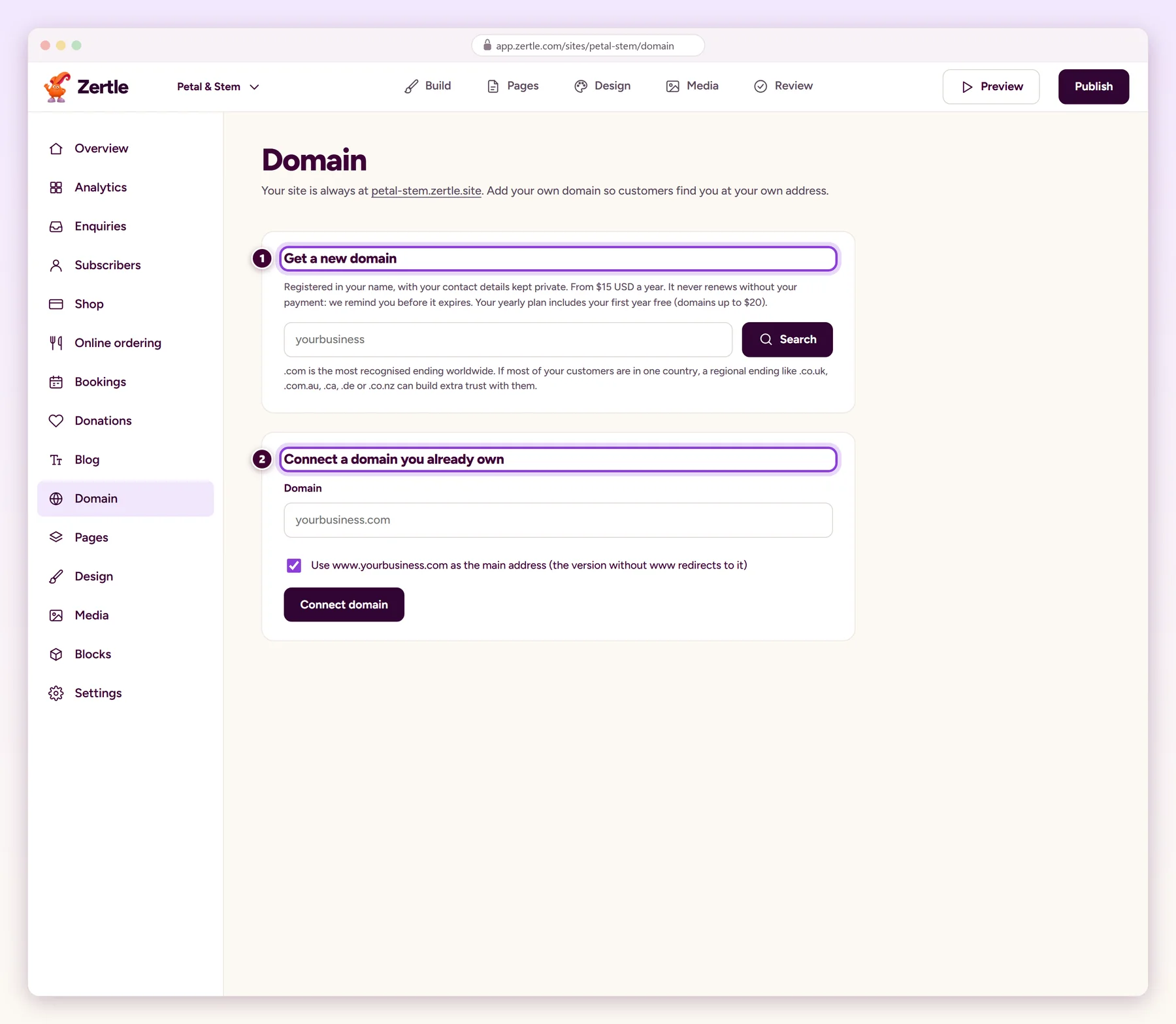
Get a new domain
- Type the name you'd like and choose Search. Zertle shows which endings are available, with their yearly price (or Free first year when your plan covers it, or the difference you'd pay when it costs more than your plan's allowance).
- Choose Choose next to the one you want.
- Fill in the owner's details. Domain registries need them, and they're kept private in public lookups.
- Choose Continue to payment and pay securely.
- Zertle registers it in your name and sets it up for you: no records to add, and secure HTTPS is turned on automatically. It appears under Your domains.
Domains start from $20 USD a year. They never renew without your payment: we remind you before one expires. Every paid plan billed yearly includes the first year of one domain up to $20. If the domain you want costs more, you pay just the difference (for example, $14 for a $34 domain).
Connect a domain you already own
- Type your domain, like yourbusiness.com.
- Choose whether www.yourbusiness.com is the main address (the version without www then redirects to it).
- Choose Connect domain. Zertle shows the records to add where you bought your domain. Your existing email records are left as they are.
- Add the records, then come back and check them. Once they're found, Zertle turns on secure HTTPS automatically.
Changes can take from a few minutes to a few hours to work everywhere.
← All site settings guides