Zertle doesn't put tracking cookies on your site, and its visitor counts don't use cookies. Maps, embedded videos and other websites' content can, so you may want a banner.
- In the editor, open the cog icon and choose Cookie banner → Add.
- Set it up, then choose Save banner and publish.
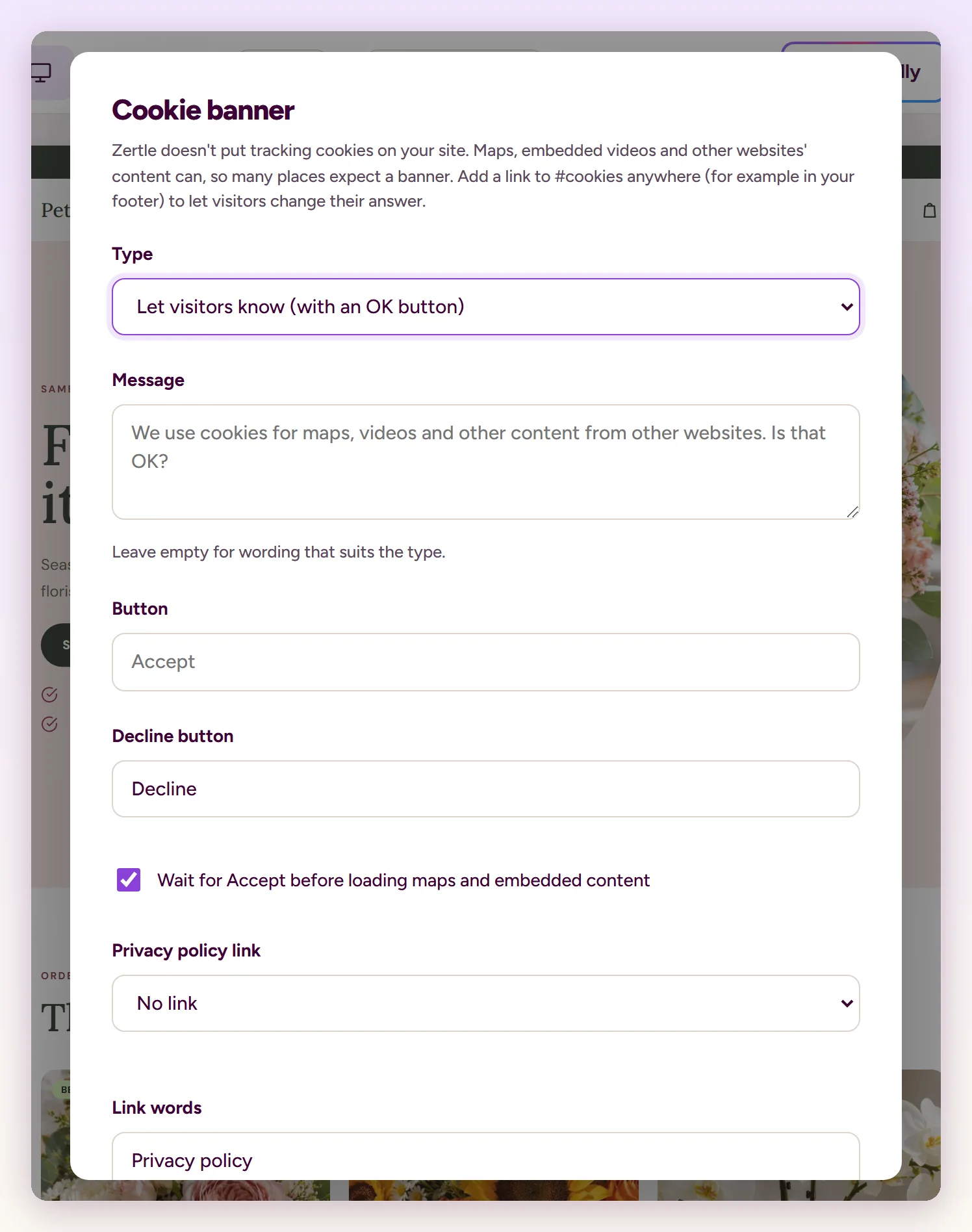
| Setting | What it does |
|---|---|
| Type | Let visitors know (with an OK button) or Ask first (Accept or Decline). |
| Message | Leave empty for wording that suits the type. |
| Button and Decline button | The button words. |
| Wait for Accept before loading maps and embedded content | With Ask first, maps, videos and embeds stay hidden until the visitor accepts. |
| Privacy policy link and Link words | Link to your privacy page. |
| Position | A bar across the bottom, or a card bottom left or bottom right. |
| Colours | Dark, Light (your page colours) or your brand colour. |