
Guides
Everything you need to build a professional small business website yourself, in nine plain steps: from your domain name and template to your pages, photos, phone layout and Google basics.
The Zertle team8 min read
A good website is often the first place a customer meets your business. It answers their questions at 11pm, shows them your best work and turns a quick look into a booking, an enquiry or a sale. The good news: you don't need a designer, a developer or a big budget to make one that does all of that.
This guide walks you through the whole process in nine plain steps, from working out what your site needs to do, to choosing a domain name, writing your pages, getting found on Google and pressing publish. Most small businesses can work through it in a weekend.
Gather these first. Having them ready makes every later step faster.
Before you think about colours or fonts, decide on the one main thing you want visitors to do. That is your website's goal, and every page should point towards it.
Write your goal down in one sentence, for example: "Get local homeowners to request a free roofing quote." You'll use it to decide which pages you need and what your buttons say.
A website builder gives you hosting, design tools and security in one place, so you don't have to stitch together separate services or touch any code. When you compare builders, look for:
Zertle was built for exactly this: a drag-and-drop editor, templates made for small businesses, and hosting and SSL included on every plan, including the free plan. If you'd rather see it first, you can browse the templates without signing up.
Your domain is your address on the web, like yourbusiness.com. A short, memorable domain looks professional and makes your email address look trustworthy too. Some tips:
You can search for a domain on Zertle and connect it in a few clicks, or connect one you already own. Our help guide explains how to connect a domain step by step.
Starting from a blank page is the slowest way to make a website. A template gives you a tested layout, matching fonts and colours and good spacing, so you only need to swap in your own words and photos.
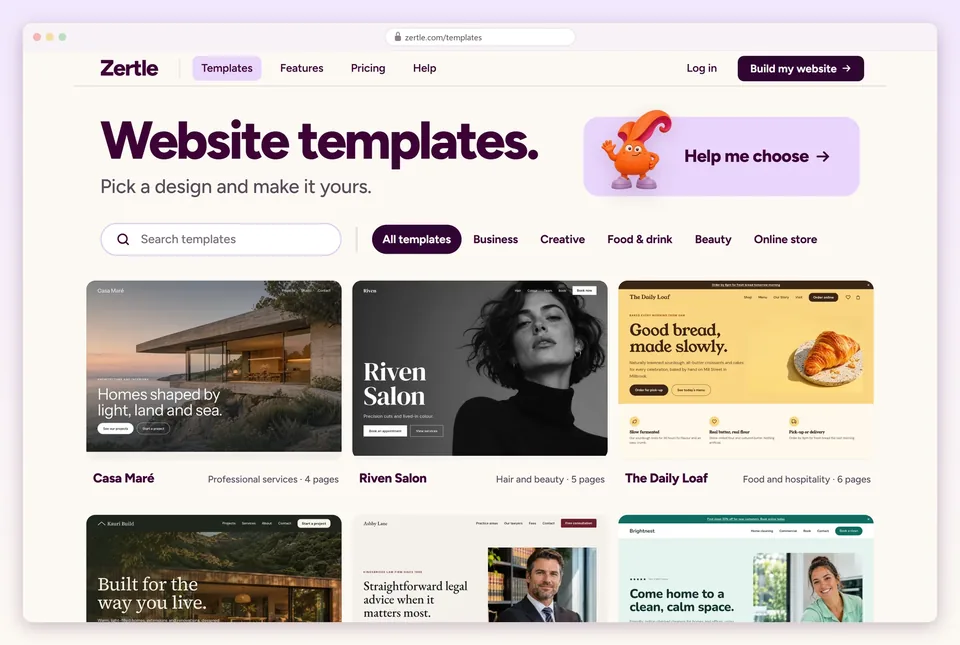
Choose a template for the structure you need, not just the colours: if you take bookings, pick one with a booking page; if you sell, pick one with a shop. Colours, fonts and photos take seconds to change later. You'll find designs for restaurants, trades, salons, shops, clubs and more in the Zertle template library.
Most small business websites need only four or five pages. Write for your customer, in plain words, and put the most important information first.
In one line at the top, say what you do and who you do it for, for example "Friendly family dentistry in Riverside". Add a clear button that matches your goal ("Book an appointment", "Get a free quote"), then a few reasons to choose you, some real reviews and your best photos.
Give each main service or product its own section or page, with what's included, who it's for and, if you can, a price or a starting price. Pages that answer "how much?" get more enquiries, not fewer.
People buy from people. Share your story, your experience and a photo of you or your team. Mention any qualifications, awards or memberships that build trust.
Make getting in touch effortless: a short form, your email, your phone number if you take calls, your address with a map if customers visit, and your opening hours. Put your contact details in the footer of every page as well.
Photos sell, but large photo files are the most common reason small business websites are slow. A slow site loses visitors and ranks lower on Google.
More than half of all web visits come from phones, and Google looks at the phone version of your site first when it decides where you rank. Check every page on a phone-sized screen before you publish.
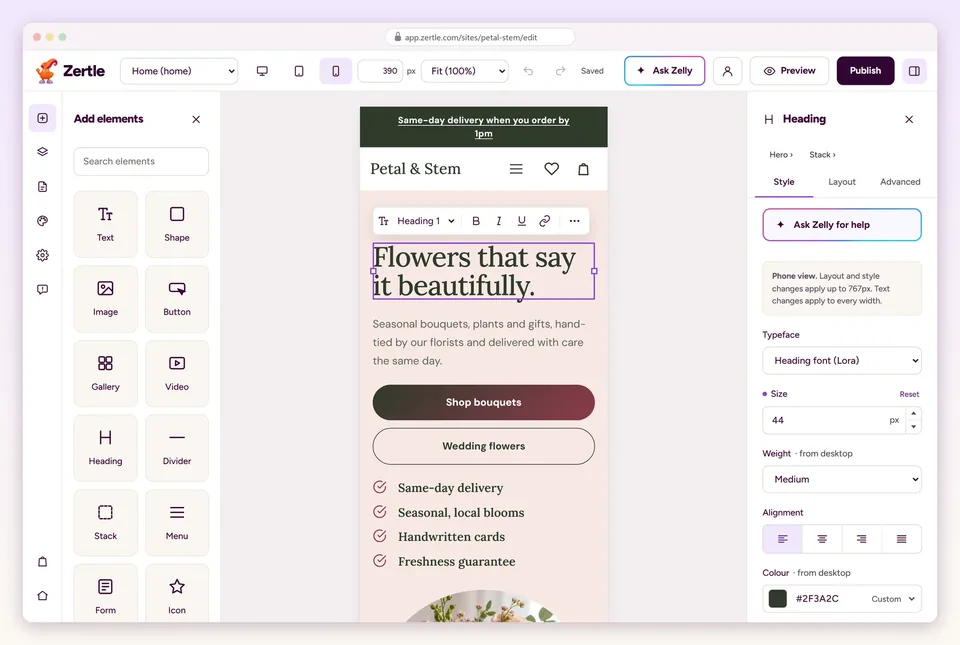
Look for text that's too small, buttons that are hard to tap and sections that feel cramped. In Zertle, you can switch to the phone view at the top of the editor and change sizes, spacing and layout just for phones, without affecting the desktop design. The help guide on phone layouts shows how.
Search engine optimisation (SEO) sounds technical, but the basics are simple and make a real difference for a small business:
Zertle creates your sitemap automatically and checks every page for missing titles, thin content, slow images and more before you publish. Read more about how Zertle handles SEO.
Run through this quick checklist before you go live:
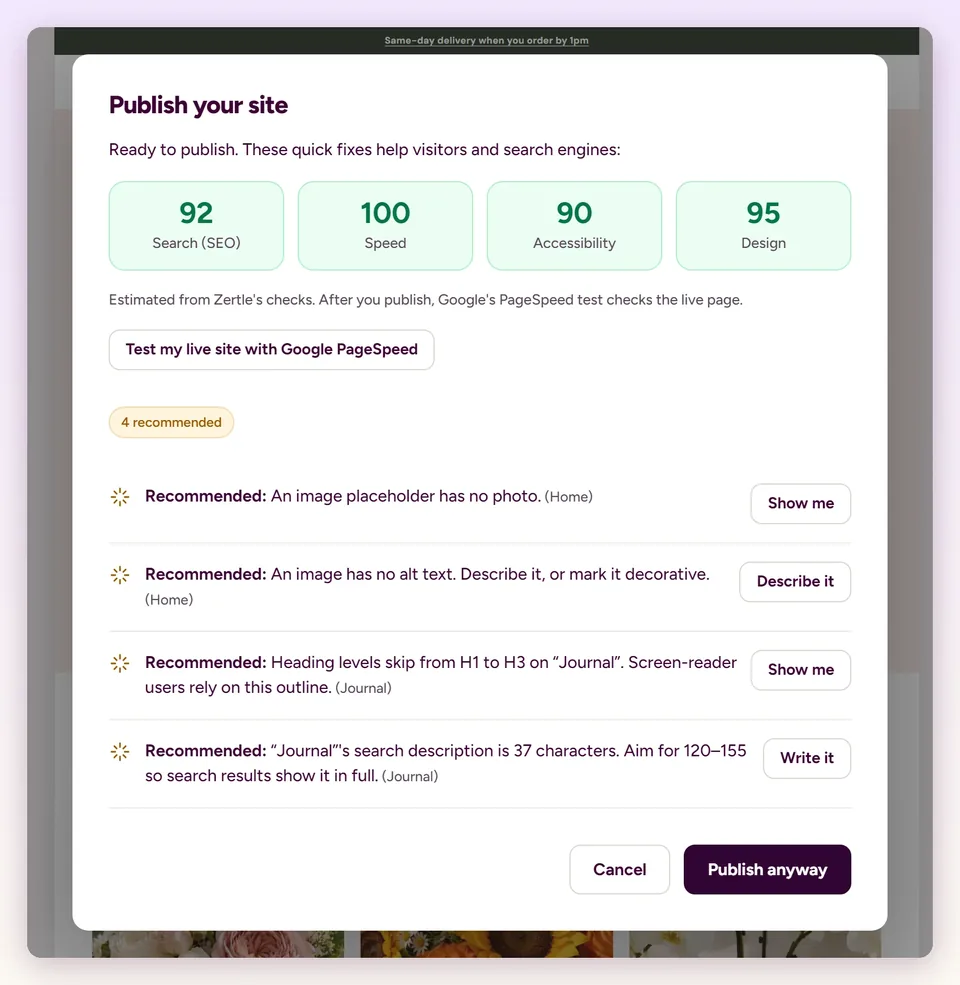
When you're happy, publish. Zertle's publish checks will flag anything worth fixing first, such as a missing page description or an image without alt text.
A website isn't finished when it goes live. A little attention each month keeps it bringing in customers:
It depends on how you build it. Here are typical costs in US dollars:
For most small businesses, a builder with good templates offers the best balance: a professional result, low running costs and the freedom to update the site yourself whenever you like. Compare everything that's included on the Zertle pricing page.
With a template and your words and photos ready, you can build a simple four or five page website in a day or a weekend. Shops with many products take longer, mostly because of writing descriptions and taking photos.
No. Modern website builders let you design by clicking and dragging. You can add, move and restyle everything visually.
Yes. You can connect a domain you already own or buy a new one. On Zertle, paid plans include custom domains, and the free plan publishes to a free yourname.zertle.site address.
A designer makes sense if you need something very unusual or have no time at all. For most small businesses, a good template and a builder you can update yourself give a better result over time, because your site stays current.
You now know every step: set a clear goal, choose a builder, pick a domain, start from a template, write helpful pages, add fast photos, check phones, cover the SEO basics and publish. Start building your website free with Zertle and see how far you get this weekend.
BUILD IT WITH ZERTLE
Pick a template, drag and drop your words and photos into place, and publish. It's free to start.
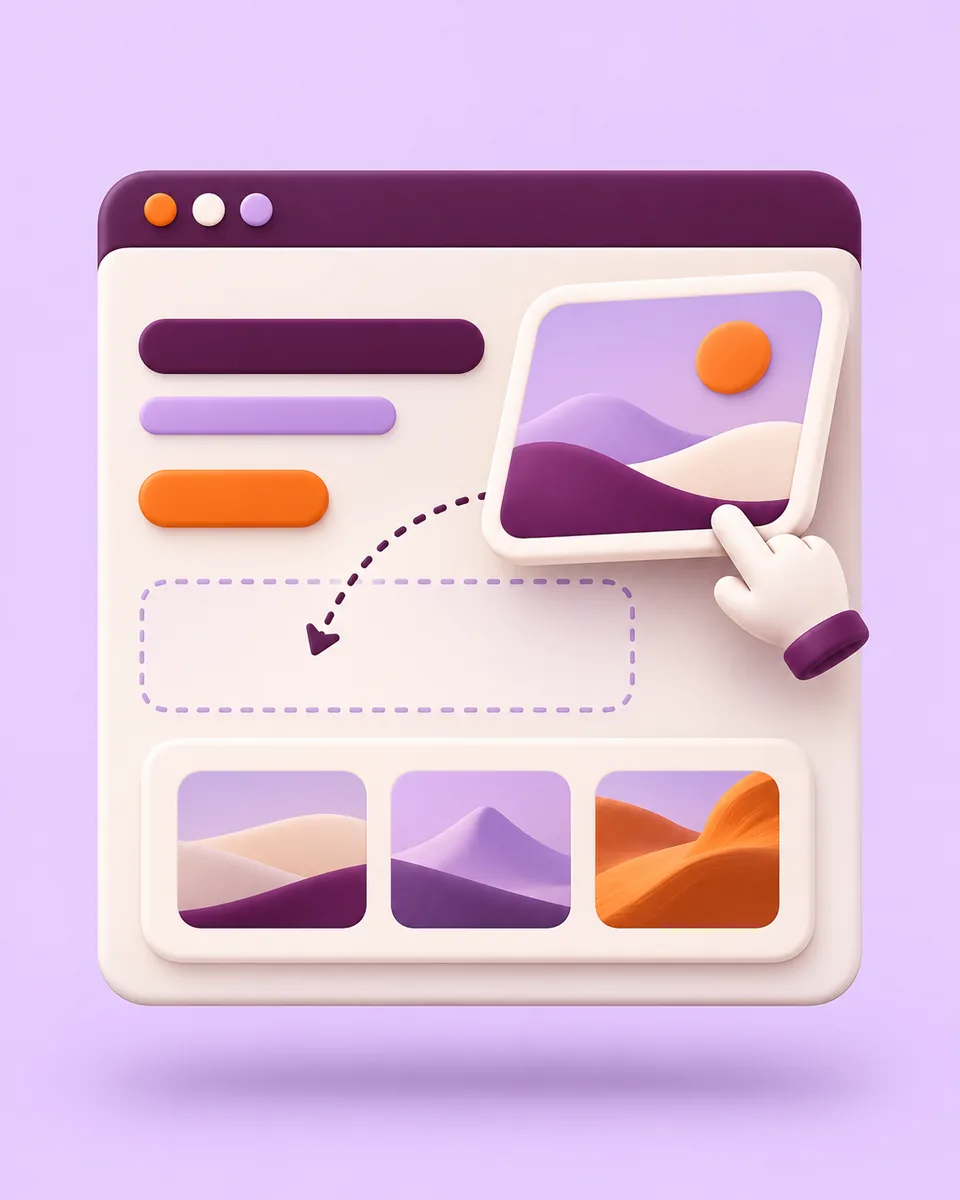
DRAG. DROP. DONE.
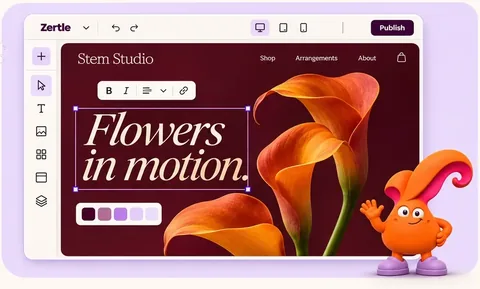
Zertle's drag-and-drop editor lets you move and change anything, with phone layouts, hosting and SEO tools included.
DRAG. DROP. DONE.
Move and change anything with Zertle's drag-and-drop editor. Phone layouts, hosting and SEO tools included, free to start.
KEEP EXPLORING
Designs for restaurants, trades, salons, shops, clubs and more.
Illustrated, step-by-step guides to every part of Zertle.
Bookings, shops, blogs, forms and everything else you can add.