Guides
Everything you need to start selling online: choosing products, setting prices and shipping, taking payments, writing product pages and getting your first orders.
The Zertle team4 min read
Opening an online shop has never been easier, but the shops that do well get a handful of basics right from day one. This guide walks you through them in order, from your first product to your first order.
You don't need your whole catalogue online on launch day. Start with your best sellers: ten to twenty products you know people want. A small, well-presented range sells better than a large, half-finished one, and you'll learn what customers ask about before adding more.
Before you list anything, check each product still makes money after all the costs of selling online:
If the numbers are tight, adjust the price, the shipping charge or the minimum order for free shipping.
Choose your delivery options and make them crystal clear: where you ship, how much it costs and how long it takes. Many small shops offer:
Use a trusted payment provider such as Stripe, so card details never touch your website and customers can pay with cards, Apple Pay and Google Pay. Connect it before launch and place a small test order yourself.
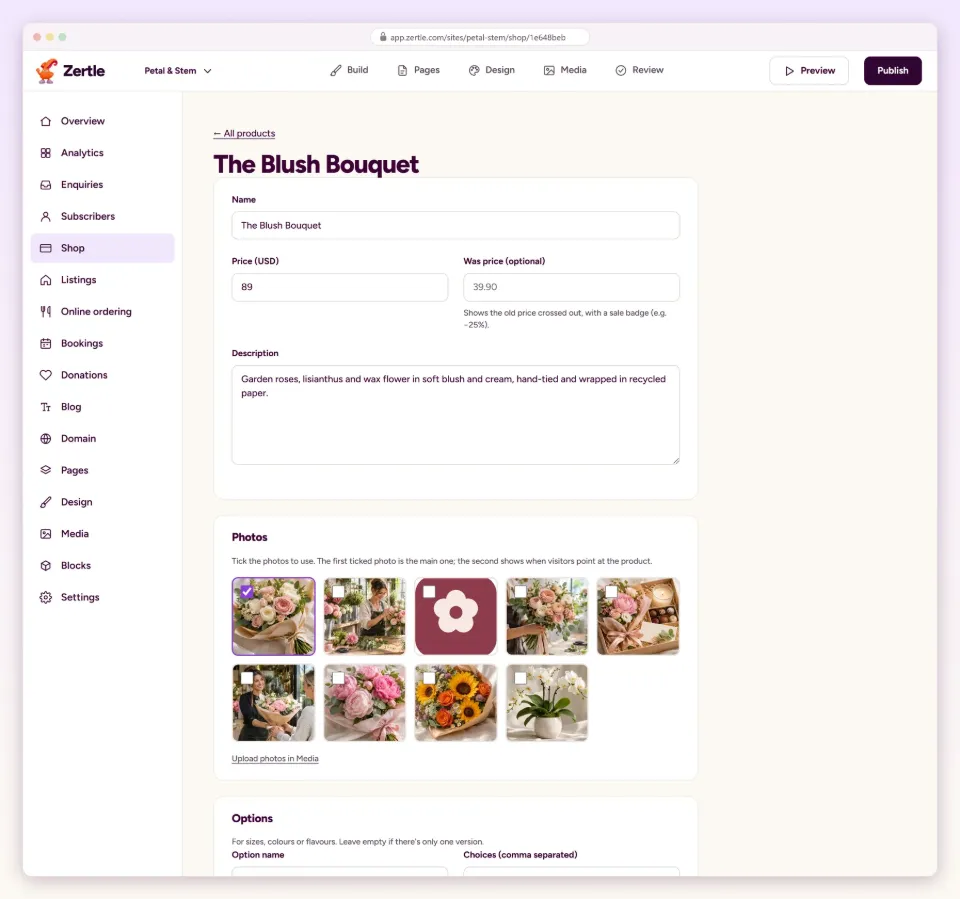
Your product page does the job a shop assistant would. Give each one:
Every extra step at checkout loses customers. Allow guest checkout, keep forms short, show the total including shipping before payment and confirm every order by email. Abandoned-cart emails gently remind people who got as far as checkout but didn't finish.
Look at your sales reports each month. Which products sell, which pages get visits but no sales, and where do people drop out of checkout? Small changes to photos, descriptions and shipping thresholds often make a big difference.
Zertle's Business plan sells up to 25 products with cart, checkout and card payments through your own Stripe account, digital downloads, gift cards and abandoned-cart emails, with 0% Zertle transaction fees. The Store plan adds up to 500 products, discount codes, shipping zones, per-variant prices and stock, wishlists, sales reports and product subscriptions. See online stores on Zertle, or the shop help guides.
You don't need a studio to take good product photos. A phone, a window and a sheet of white card will do:
Crop every photo to the same shape, such as a square, so your product grid lines up neatly.
Link these pages from your footer and checkout. Clear policies reduce questions and make first-time buyers feel safe.
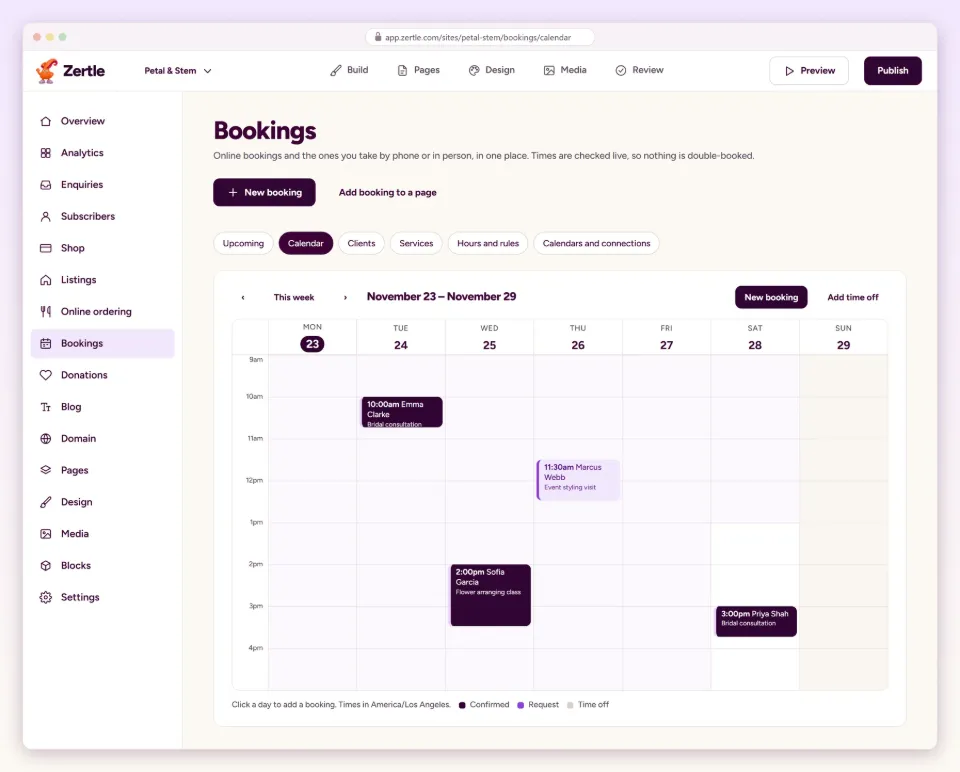
Many small businesses do both. A florist sells bouquets and wedding consultations, a café sells coffee beans and catering, a salon sells hair products and appointments. Putting your shop on the same website as your bookings and enquiries means customers can do everything in one place, and you see everything in one dashboard.
Rules depend on your country and what you sell. Check with your local business registry or tax office, especially for food, cosmetics or items with safety rules.
Ten to twenty of your best sellers is a great start. Add more once your first products are selling smoothly.
You can use marketplaces and social media, but your own shop gives you your own customers, your own brand and no marketplace commission.
Ready to open your shop? Start free and add products when you're ready.
BUILD IT WITH ZERTLE
Pick a template, drag and drop your words and photos into place, and publish. It's free to start.
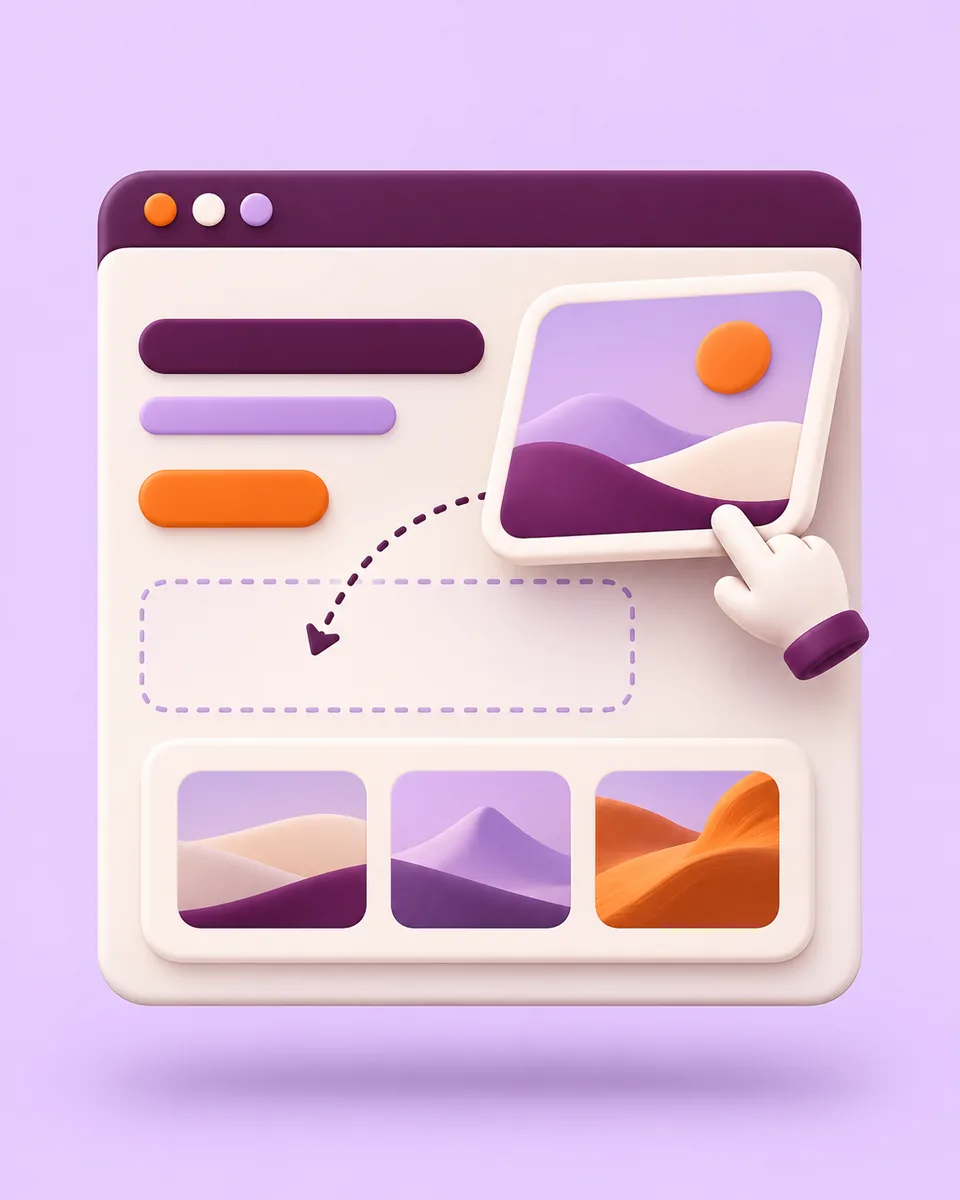
DRAG. DROP. DONE.
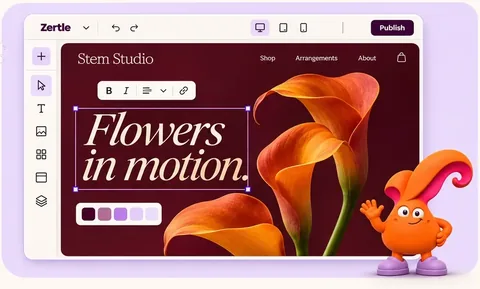
Zertle's drag-and-drop editor lets you move and change anything, with phone layouts, hosting and SEO tools included.
DRAG. DROP. DONE.
Move and change anything with Zertle's drag-and-drop editor. Phone layouts, hosting and SEO tools included, free to start.
KEEP EXPLORING
Designs for restaurants, trades, salons, shops, clubs and more.
Illustrated, step-by-step guides to every part of Zertle.
Bookings, shops, blogs, forms and everything else you can add.