Guides
Online booking saves hours on the phone and fills gaps in your diary. Here's how to set it up, what to decide first and the settings that cut no-shows.
The Zertle team4 min read
If your phone rings while your hands are busy with a customer, online booking is one of the most useful things your website can do. Clients book when it suits them, often in the evening, and you wake up to a fuller diary instead of voicemails.
Here's how to set it up well, whether you run a salon, clinic, workshop, studio or service business.
List your services with how long each takes and its price. Be specific: Women's cut and blow-dry, 60 minutes, $85 is clearer than Haircut. Group similar services, and keep the list short enough to scan on a phone.
Think about which services should be bookable online. Quick, standard appointments are perfect. Complex jobs may still need a conversation first, so offer a free consultation or a quote form instead.
Choose the days and times you take bookings, including breaks, and how many clients you can see at once. A workshop with three bays or a salon with three chairs might take three bookings at the same time.
If clients choose a particular person, such as a barber, therapist or practitioner, set up staff calendars so each person has their own services, hours and time off.
No-shows cost small businesses real money. Three things help most:
Add a Book now button to your header so it's on every page, a booking section on your home page, and a link in your social media bios and Google Business Profile. The fewer taps between a visitor and a booked time, the more bookings you'll get.
Double bookings happen when appointments live in several places. Choose one calendar as the source of truth and make sure walk-ins and phone bookings go in it too.
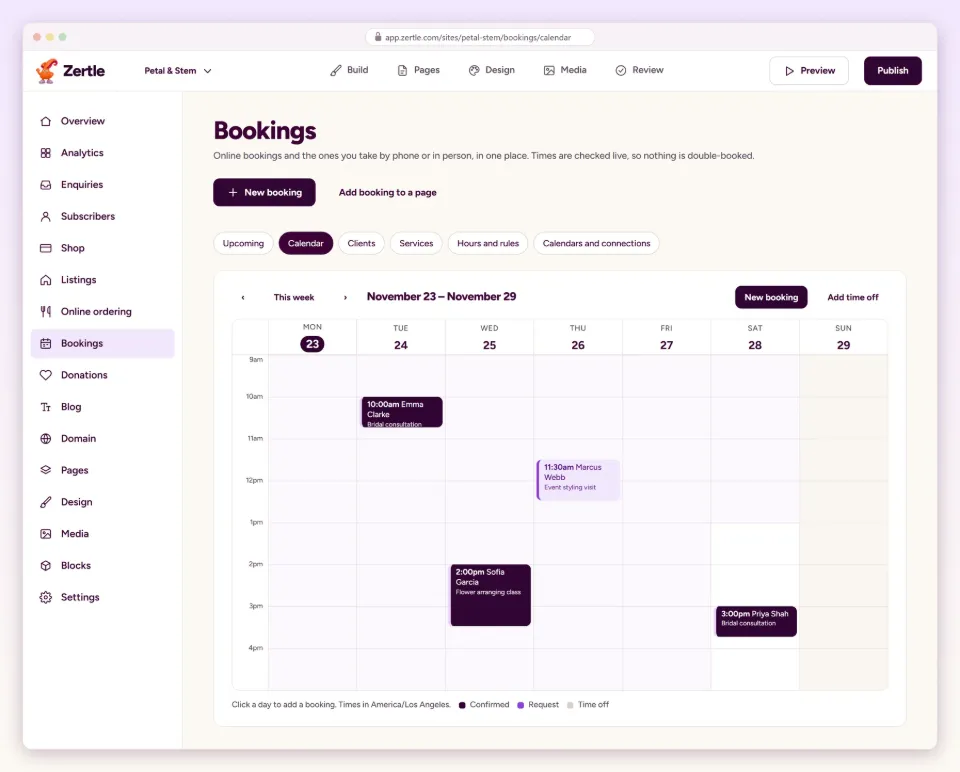
On Zertle's Business plan, add the Booking element to any page, then set up your services, hours, capacity and rules in Bookings. Clients pick a service and an available time; you get every booking in your calendar with client history and notes, and clients get confirmations and reminders automatically. The Store plan adds staff calendars so clients can book a specific person. See our guide to online booking or the step-by-step booking help guide.
Online booking is a natural fit for any business that sells time:
If your appointments vary a lot, start by offering just your most common services online and keep a quote form for the rest.
The page around your booking form matters as much as the form itself. Answer the questions that make people hesitate:
After a month, look at how many bookings came through your website, which services people booked most and what times are popular. You'll often find evening and weekend bookings you'd never have taken by phone, and gaps you can fill with a short offer to your email list.
Add your booking page link to your Google Business Profile so people who find you on Google Maps can book straight away. It's one of the quickest ways to turn local searches into appointments.
Not completely, but it usually takes care of most routine bookings, freeing your phone for questions and special requests.
For long or expensive appointments, a deposit greatly reduces no-shows. Send a payment link once the booking is made.
Make your policy clear and give clients a simple way to tell you, so the slot can be offered to someone else.
Ready to fill your diary? Start free and add online booking when you're ready.
BUILD IT WITH ZERTLE
Pick a template, drag and drop your words and photos into place, and publish. It's free to start.
DRAG. DROP. DONE.
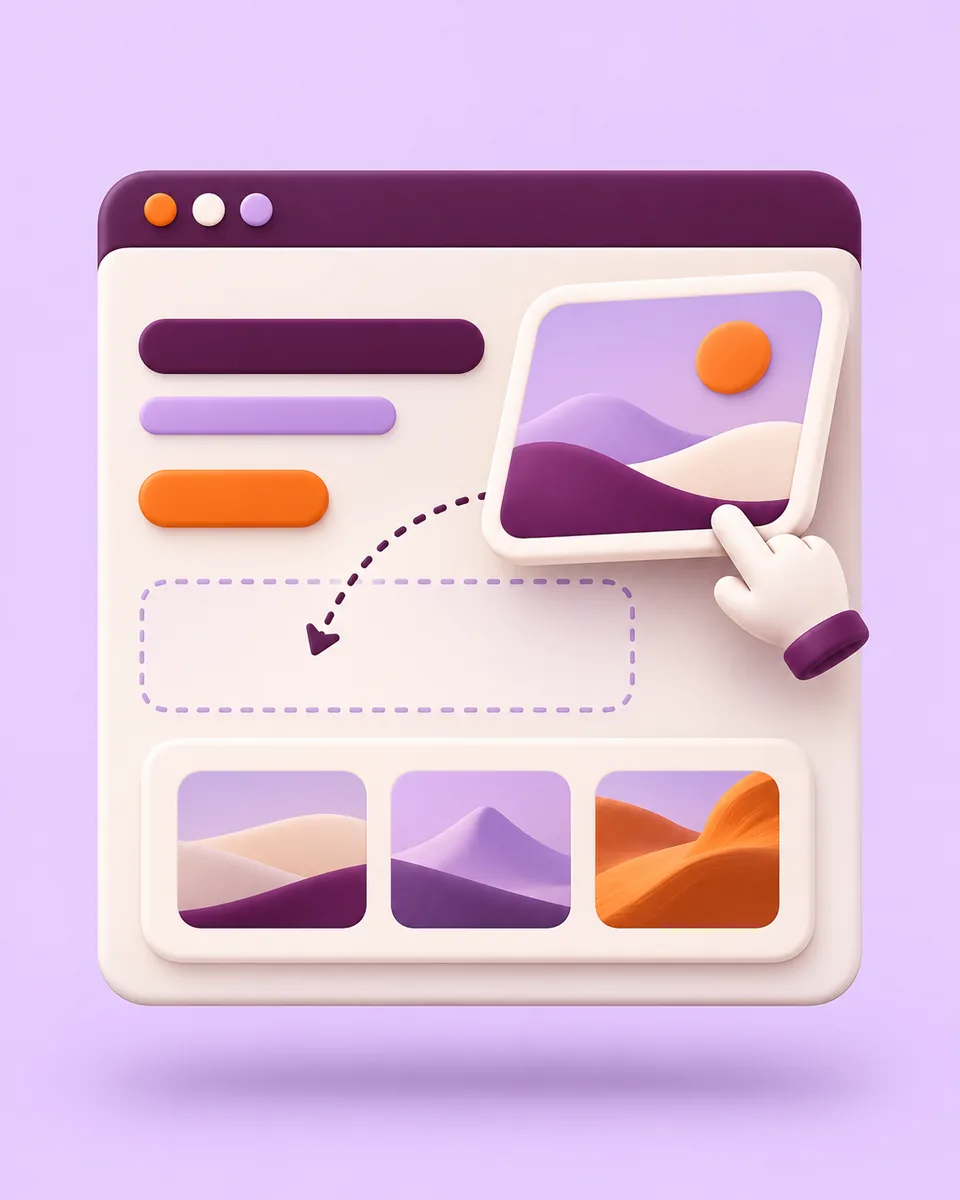
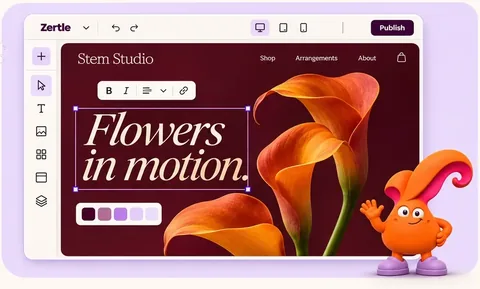
Zertle's drag-and-drop editor lets you move and change anything, with phone layouts, hosting and SEO tools included.
DRAG. DROP. DONE.
Move and change anything with Zertle's drag-and-drop editor. Phone layouts, hosting and SEO tools included, free to start.
KEEP EXPLORING
Designs for restaurants, trades, salons, shops, clubs and more.
Illustrated, step-by-step guides to every part of Zertle.
Bookings, shops, blogs, forms and everything else you can add.