Childcare centres and preschools
A warm welcome for families looking for care.
Help parents feel confident: share your philosophy, rooms, routines and team, make enrolment enquiries simple, and keep current families up to date.

Everything a childcare website needs.
Philosophy and approach
Explain how children learn and play at your centre.
Rooms and ages
A section for each room with ages, ratios and routines.
Enrolment enquiries
A form for child's age, start date and days needed.
Parents' area
Password-protected pages for handbooks and notices.
Team
Introduce your teachers and their qualifications.
News and events
Share what's happening each term.
Pages for a childcare centre.
Little Acorns includes the pages parents look for.
- Home with a visit or enrol button
- Our philosophy
- Rooms and routines
- Fees and enrolment
- Team, news and contact
Enrolment enquiries, organised.
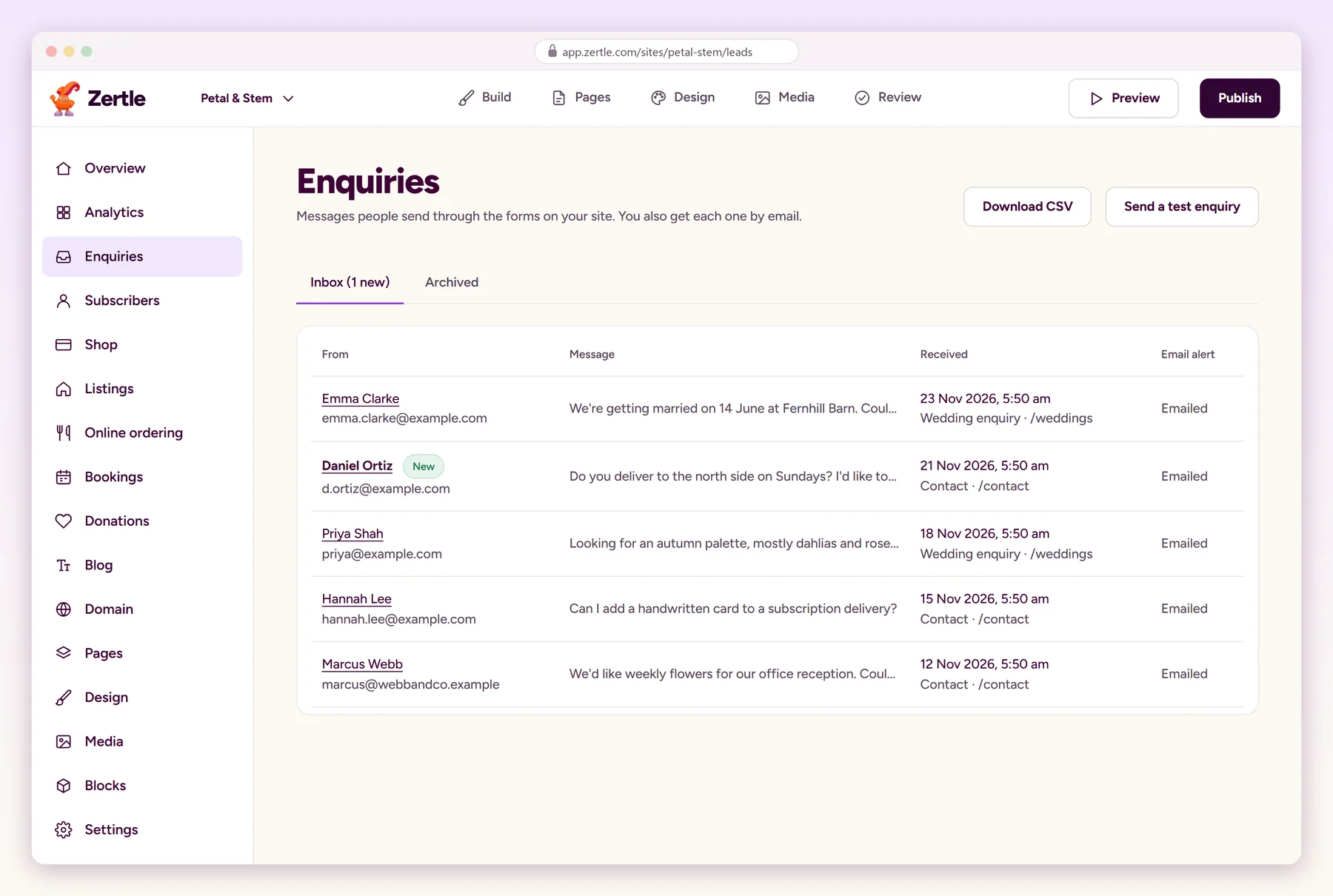
Ask the questions you need, like the child's age, preferred days and start date. Every enquiry goes to your inbox with labels such as Visited, Waitlist or Enrolled, and families get an automatic reply.
Guide
Giving parents confidence.
Choosing childcare is an emotional decision. Parents want to see where their child will spend the day, who will care for them and what a typical day looks like, so show your rooms, outdoor spaces and team with warm, natural photos.
Be clear and practical about fees, hours, what's included, ratios and how enrolment works. Uncertainty about the process often delays enquiries.
Once families join, a password-protected area for handbooks, menus and notices keeps everyone informed without endless emails.
Live in an afternoon.
- 1
Open Little Acorns
Start from the childcare template.
- 2
Add rooms and routines
Ages, ratios and days.
- 3
Set up enrolment
Form questions and auto-reply.
- 4
Publish
Share with families.
Childcare website questions.
More in the help centre.
What should a childcare website include?
Your philosophy, rooms and age groups, routines, fees, team, how enrolment works, and an easy way to book a visit.
Can I have a private area for current families?
Yes. Put handbooks, notices and forms on password-protected pages and share the password with families.
Can parents enquire about enrolment online?
Yes. An enrolment form saves each enquiry in your inbox, emails you and sends the family an automatic reply.
Guides for your site.
Templates for childcare websites.
All website templates
Welcome new families.
Start from a template made for childcare.