For beginners
Your first website, made easy.
No jargon, no code and no blank page. Pick a design made for your kind of business, swap in your words and photos, and Zertle checks everything before you publish.
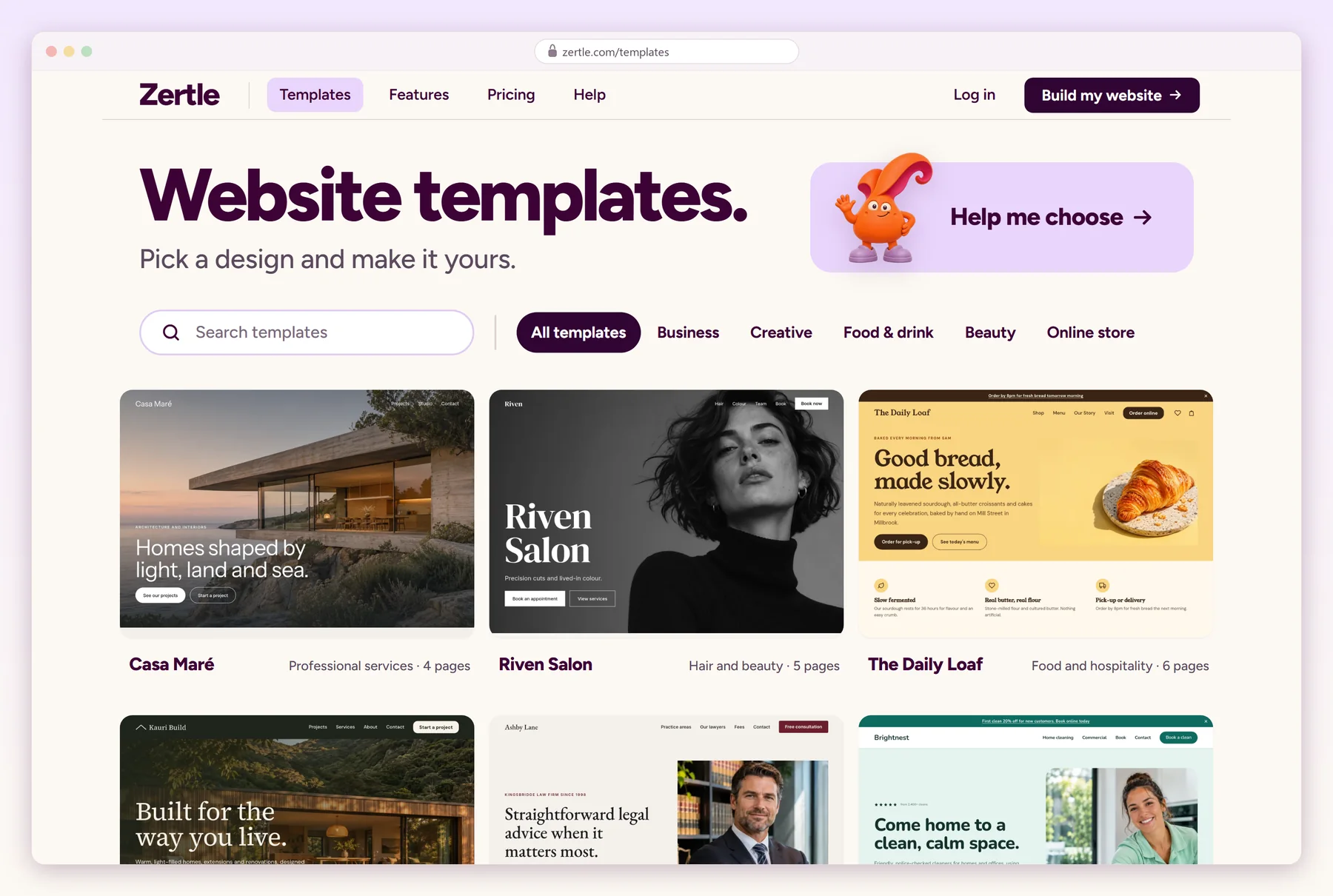
Your first website in five steps.
- 1
Sign up free
Just your email. No card and no time limit on the free plan.
- 2
Pick a template
Choose a design for your type of business. It comes with the pages you'll need.
- 3
Replace the words and photos
Click any text to type, and drop in your own photos. Ask Zelly if you're stuck for words.
- 4
Follow the checklist
The Get it ready list walks you through photos, contact details and a search description.
- 5
Publish
Your site goes live at yourname.zertle.site straight away. Add your own domain whenever you like.
Made for people who've never built a website.
Plain English everywhere
Settings say what they do, with short help underneath.
Hard to break
Undo, autosave and version history mean you can always go back.
Zelly, your helper
Ask for a headline, an About page or a tidier paragraph.
A checklist before you publish
Missing alt text, empty search descriptions and unreadable colours are flagged, with one-click fixes.
Illustrated guides
Every feature has a step-by-step guide with screenshots.
Free to learn
Build and publish up to 5 pages free for as long as you like.
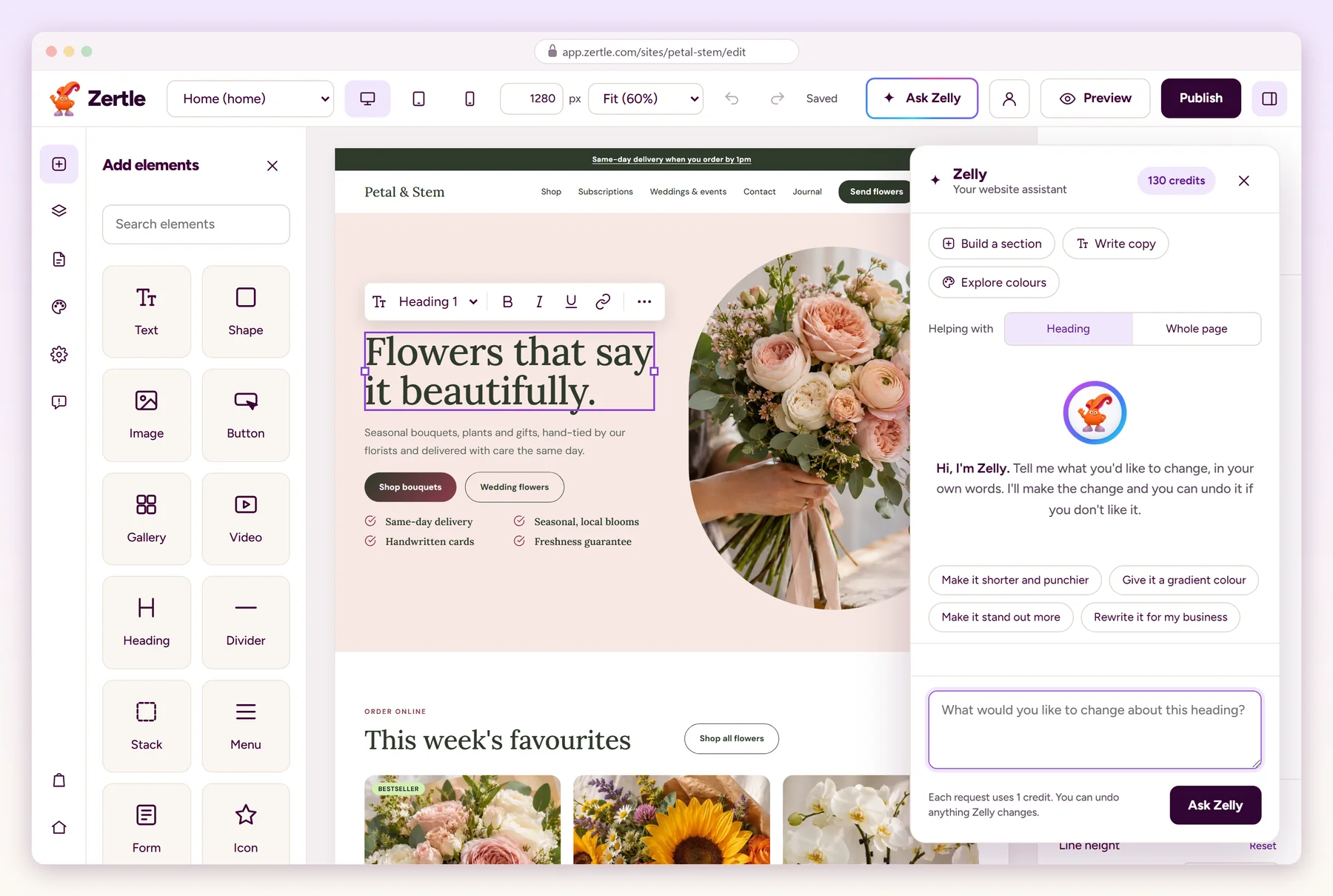
Stuck for words? Ask Zelly.
Most beginners find writing harder than designing. Zelly, the AI assistant inside the editor, can draft headings, service descriptions, an About page or alt text for your photos, based on your business and what's already on the page.
You stay in charge: read what Zelly suggests, keep what you like and edit the rest.
What to put on your first website
Keep your first version simple. A clear home page, a page about your services or products, an About page and a Contact page are enough for most small businesses. On the home page, say what you do and where in the first sentence, add one strong photo, and give people one obvious next step, such as "Get a quote" or "Book now".
Read our guide on what to put on your home page and the step-by-step how to make a small business website for more.
Beginner questions.
More in the help centre.
What's the easiest way to make a website as a beginner?
Use a website builder with templates for your type of business. You'll replace placeholder words and photos instead of designing from scratch.
How long does it take a beginner to build a website?
Most people publish a simple site in an afternoon or an evening, then improve it over the following weeks.
Do beginners need to buy a domain straight away?
No. Publish free on a zertle.site address first. When you're ready, Starter connects your own domain, and paying yearly includes a free domain for the first year.
Can I get help if I get stuck?
Yes. Search the help centre for illustrated guides, ask Zelly in the editor, or email the Zertle team.
Start here.
You can do this.
Pick a template and publish your first page tonight.