Job boards and recruitment
A job board candidates can actually search.
Publish job listings with search and filters, give each role its own page, and collect applications and enquiries in one inbox.

Everything a job board website needs.
Search and filters
By keyword, location, job type, salary and category.
Job pages
Each listing gets its own page with structured data for search.
Applications
Candidates apply with a form and CV upload.
Featured roles
Highlight urgent or premium listings.
Employer pages
Pages for clients and hiring companies.
Job alerts
A newsletter for new roles each week.
Pages for a job board.
Northbeam includes listing search and job page designs.
- Home with a job search box
- Browse jobs with filters
- Job pages with Apply
- For employers
- About and contact
Listings built for jobs.
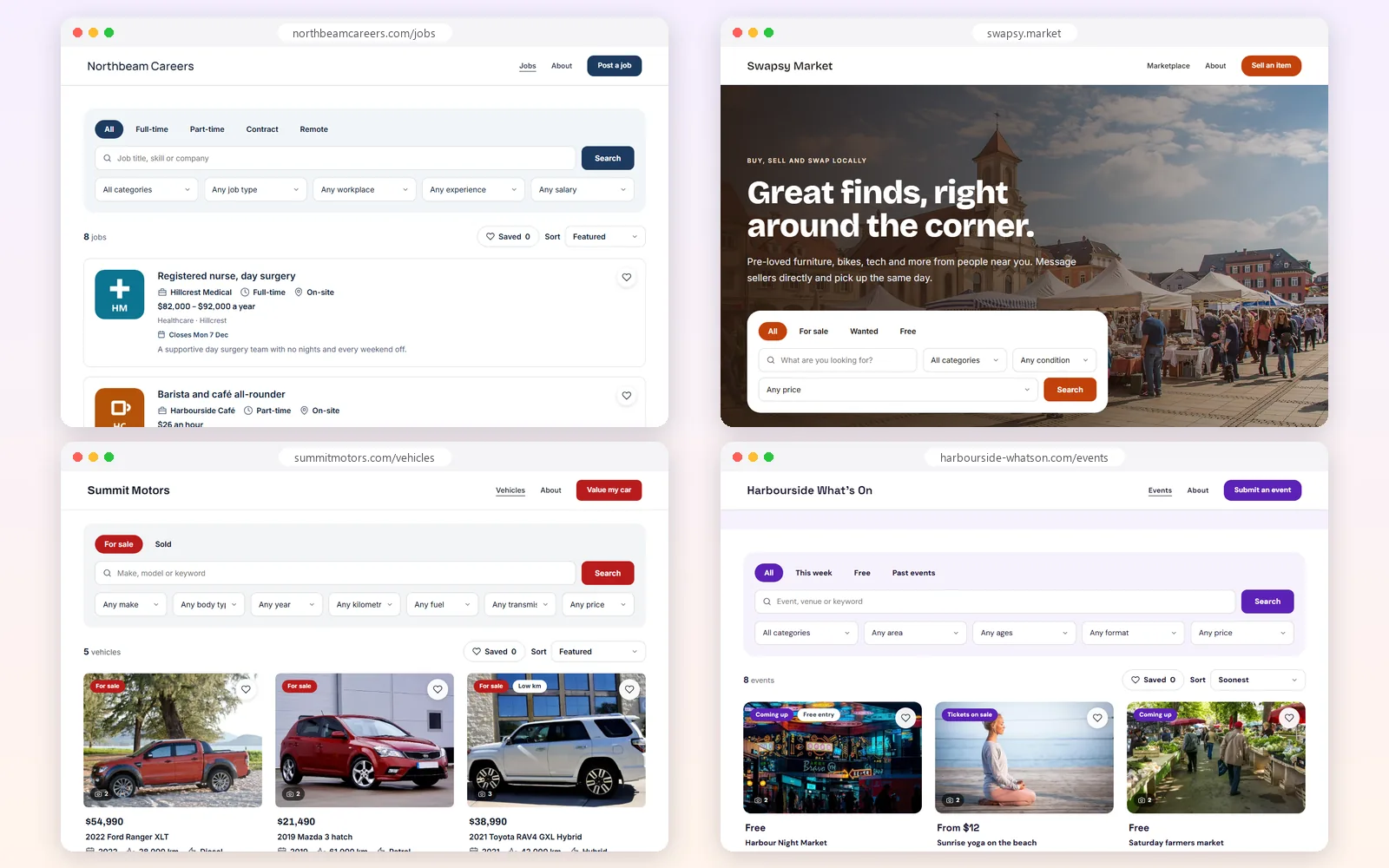
Add jobs with title, location, type, salary and description. Listings on Business show up to 25 jobs, and Store up to 500. Candidates search and filter, open a job and apply with a CV.
- Search box and filter tabs
- Job pages with their own search title
- Applications with file uploads
Guide
What makes a job board useful.
Candidates come to a job board to search, so the search box and filters should be front and centre, with sensible categories, locations and job types.
Every job page should include the details candidates need to decide: salary or range, location and work arrangement, responsibilities, requirements and how to apply. Listings with salary information attract far more applications.
A weekly email of new roles keeps candidates coming back and gives employers a reason to list with you.
Live in an afternoon.
- 1
Open Northbeam
Start from the job board template.
- 2
Add your first jobs
Details and categories.
- 3
Set up applications
Form with CV upload.
- 4
Publish
Share your roles.
Job board website questions.
More in the help centre.
Can I build a job board without code?
Yes. Listings on Zertle include job search, filters and job pages, on Business (up to 25 jobs) and Store (up to 500).
Can candidates upload a CV when they apply?
Yes. Add a file upload to the application form. Files are checked and stored privately for your team.
Can employers post their own jobs?
Jobs are added by you and your team in the dashboard. Employers can send roles to you through an enquiry form.
Guides for your site.
Templates for job board websites.
All website templates
Connect people with work.
Start from a template made for job boards.