- In WordPress, go to Tools → Export, choose Posts and download the file.
- In Zertle, open your site's Settings → Import and export.
- Under Import posts, choose which collection to add them to (or A new Blog) and upload the file.
- Tick Publish posts that were published there (others come in as drafts), then choose Import posts.
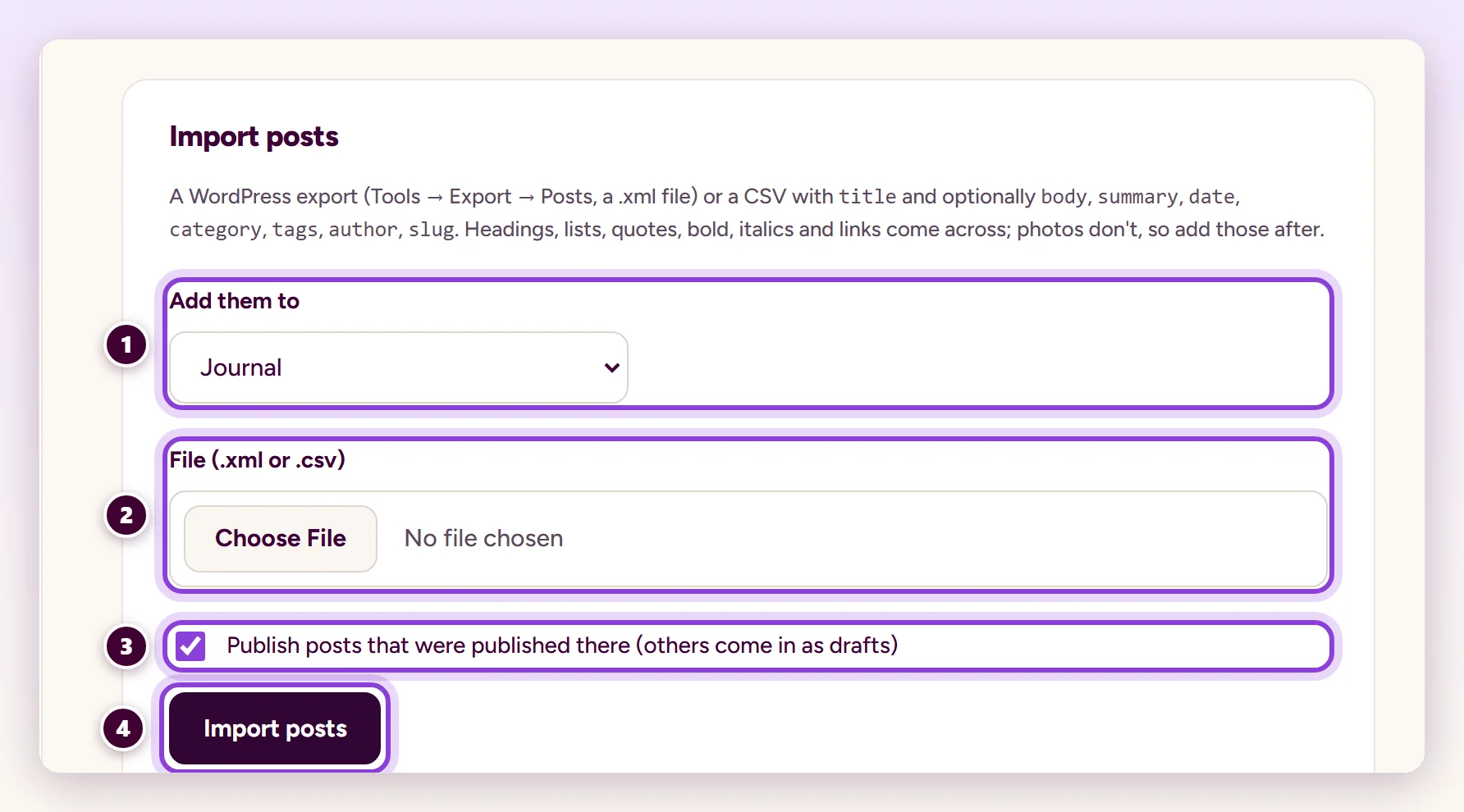
Headings, lists, quotes, bold, italics and links come across, with dates, categories, tags and authors. Photos don't, so add a cover and pictures afterwards. Posts with the same address are updated rather than duplicated, so you can import again safely.
A CSV works too: include a title column, and optionally body, summary, date, category, tags, author and slug.
← All blog and collections guides