Every listing page is built from one design, like a blog's post page. Change it once and every listing follows. Open Pages → Listing page in the editor (it's marked "design for every listing"). The editor shows your first listing, or a sample. Parts that don't apply to what you list (like floor plans for a job board) are left out.
- In the editor, open Pages and choose Listing page.
- Click any part to restyle it, or add more from Add elements → Listing part.
- Publish your site. Every listing page follows the design.
Choose a layout
Choose the page's ⋯ menu, then Change design:
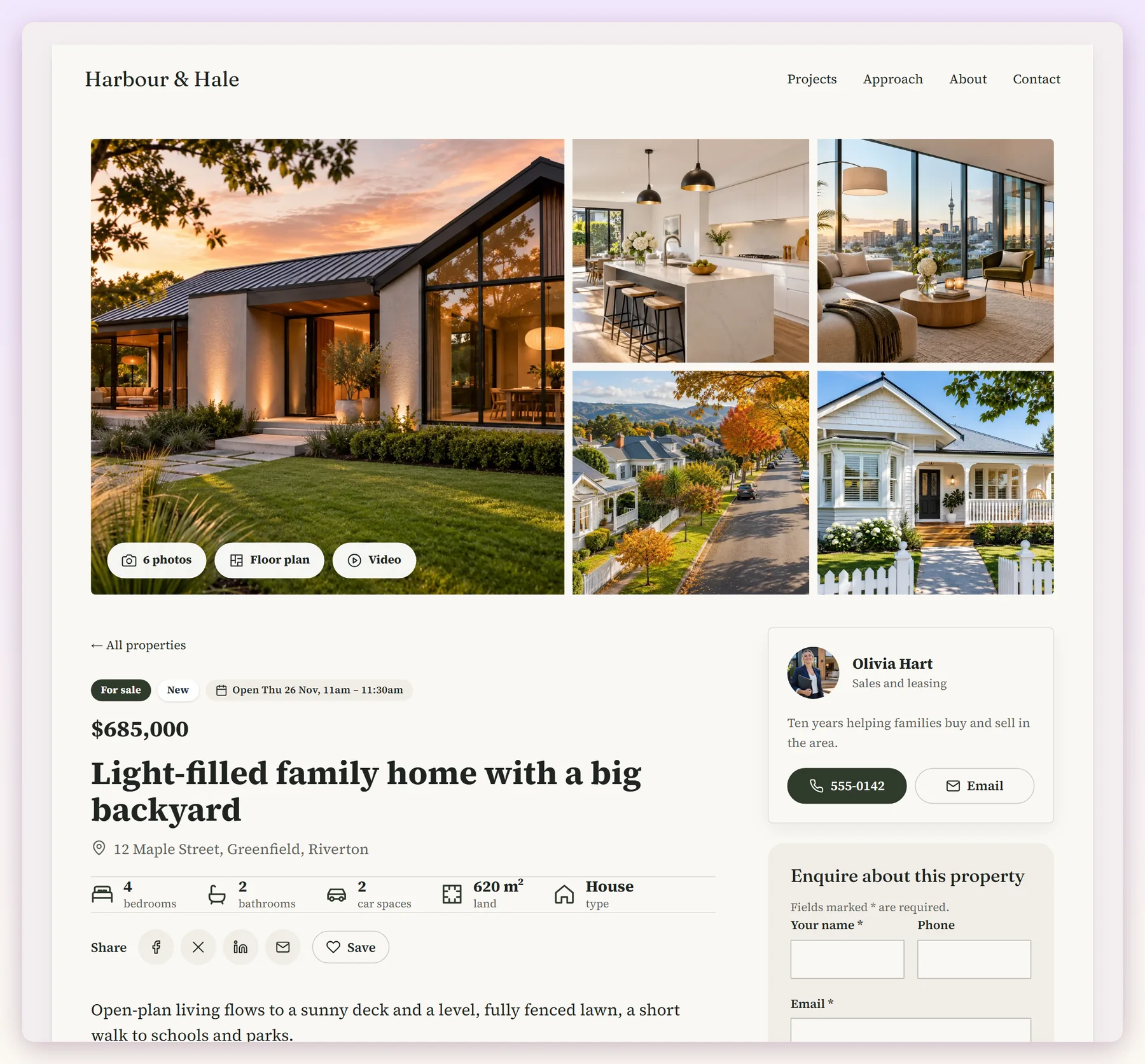
- Classic: a photo mosaic across the top, then the details beside the agent and enquiry form, and similar properties.
- Showcase: a full-width photo slider with a key facts bar, then the story, map and calculator.
- Compact: photos beside the price, facts and enquiry form, then everything else in one column.
- Blank canvas: the main parts in one section, ready for you to design.
Your header and footer stay. You can undo straight after.
Listing parts
Each part is an ordinary element: move it, restyle it under Style, or add normal elements around it. Add more from Add → Listing part, then choose what it Shows.
| Part | What it shows |
|---|---|
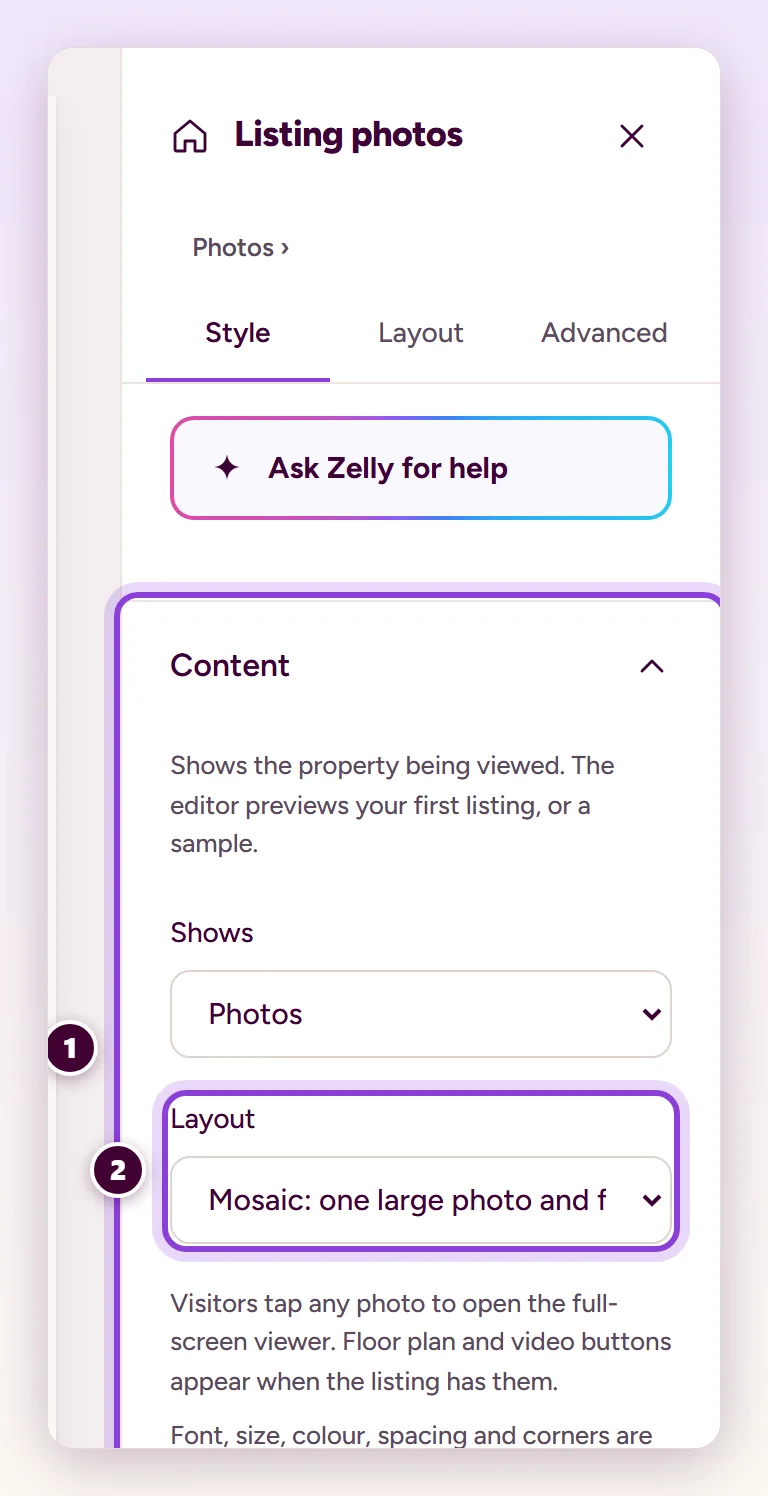
| Photos | A mosaic (one large and four small), a full-width slider or a photo grid, with photo, floor plan and video buttons. Tap any photo for the full-screen viewer. |
| Headline, Address, Price | The property's headline (the page's main heading), address and price. |
| Status | For sale, Under offer or Sold, the badge, and the next open home or auction. |
| Key facts / Key facts bar | Beds, baths, cars, area and type as icons; the bar puts price, address and facts in one row. |
| Summary, Description | The summary, and the full description with Read more. |
| Features, Property details | A tick list of features, and a table of every detail (type, sizes, year, bond, pets…). |
| Floor plans, Video and 3D tour, Map | Each with its own heading. They hide completely on properties without them. |
| Open homes and auction | Upcoming times with Add to calendar. |
| Agent, Enquiry form | The property's agents with tap-to-call and Email buttons, and the enquiry form. You can change the form's button and "I'd like to know about" choices. |
| Repayment calculator | Estimated repayments from the price, deposit, interest rate and term. Set the starting numbers; visitors can change them. It shows on properties for sale. |
| Share and save | Share buttons and a Save heart. |
| Action buttons | The main action for your kind of listing: Apply now (jobs), Get tickets or Register (events), Visit website, call and Directions (directory), Message the seller (marketplace) or Book a test drive (vehicles). |
| Back to listings, Similar listings | A link back to your listings, and similar listings nearby. |