People who sign up through a Newsletter element appear in Subscribers, newest first, with the page they signed up on.
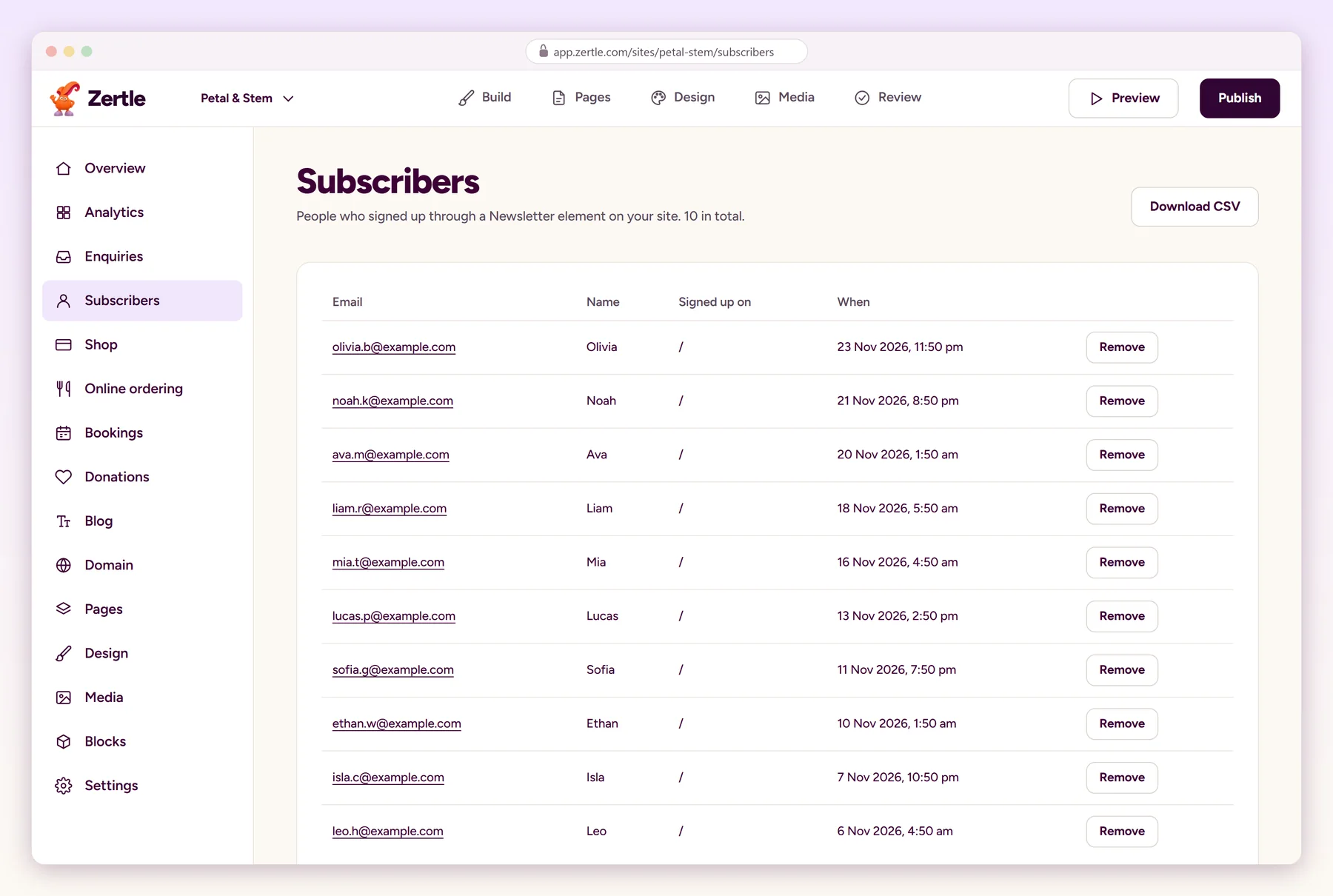
- Download CSV to import them into an email tool like Mailchimp or Brevo.
- Delete someone who asks to be removed.
Use your list
- Choose Subscribers in your dashboard's menu.
- To email them, choose Download CSV and import the file into your email tool.
- If someone asks to be removed, choose Delete next to them.