Landscapers and garden designers
A website as good-looking as your gardens.
Gardens sell themselves when people can see them. Show your best work in big photos, explain your services and make it simple to request a design consultation or quote.

Everything a landscaping website needs.
Big, beautiful galleries
Full-width photos and albums for each garden, sized to load quickly.
Before and after
Drag-to-compare sliders that show the transformation.
Design and build services
Explain consultations, design, hardscaping, planting and lighting.
Maintenance plans
Offer regular garden care with clear plans and prices.
Seasonal tips
A blog with planting and care advice that brings in local searches.
Quote requests
Ask for garden size, photos and budget range.
Pages for a landscaping business.
Fernwood comes with a gallery-led structure that suits outdoor work.
- Home with a hero garden and your services
- Projects with before-and-after photos
- Design, build and maintenance services
- About and your approach
- Contact and quote request
Show the transformation.
The Before and after element lets visitors drag a slider across two photos of the same garden. It's the quickest way to show what you can do.
Add labels, choose the starting position and use it anywhere on the page.
Guide
Designing a landscaping site that sells the dream.
Landscaping is bought with the eyes. Invest in photography: shoot finished gardens in soft morning or evening light, include wide shots and close details, and revisit a project a season later when the planting has filled in.
Separate design-and-build work from regular maintenance. They're different customers with different budgets, and each deserves its own page with the right call to action, whether that's booking a design consultation or asking for a maintenance quote.
Seasonal advice is one of the easiest ways for a local landscaper to show up on Google. Short posts on when to plant, how to care for lawns in summer or which hedges suit coastal gardens attract local searches all year round.
Live in an afternoon.
- 1
Open Fernwood
Start from the landscaping template.
- 2
Upload your garden photos
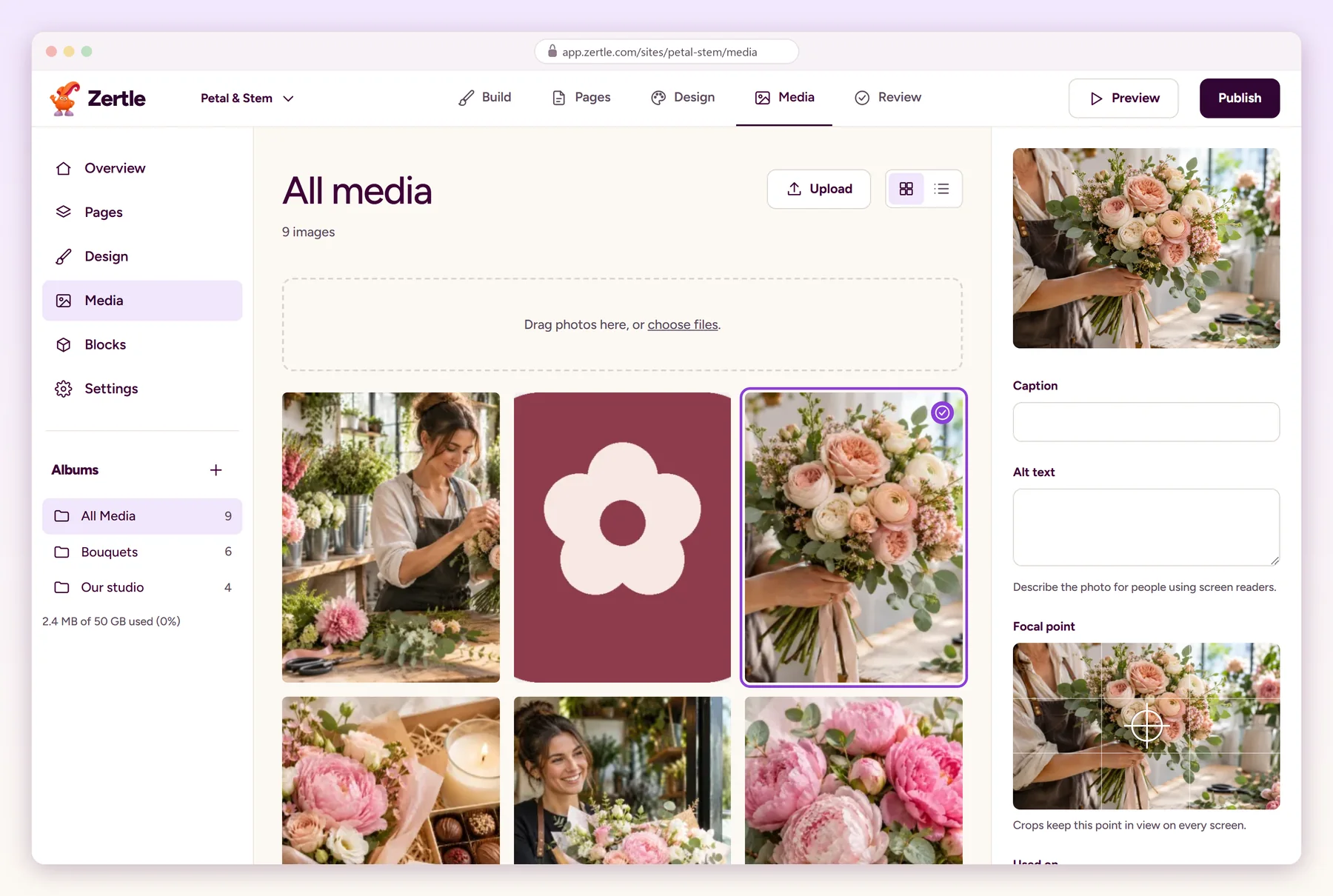
Drag them into the media library in one go.
- 3
Add services and plans
Describe design, build and maintenance.
- 4
Publish
Go live and connect your domain.
Landscaping website questions.
More in the help centre.
How do I make a landscaping website stand out?
Use large, high-quality photos of finished gardens, before-and-after comparisons, clear services and a quote form that asks the right questions.
Can I sell garden maintenance plans online?
Yes. Describe your plans on the site, and on Business you can take deposits or regular payments with payment links.
Will lots of garden photos slow my website down?
Zertle resizes every photo into several sizes and loads the right one for each screen, with photos further down the page loading only when needed.
Guides for your site.
Templates for landscaping websites.
All website templates
Let your gardens do the talking.
Start from a template made for landscapers.