Galleries and slideshows show an album: a set of photos you manage in one place. Change the album and every gallery using it updates.
Add it
- Click the section you want it in.
- Choose Add elements (the + at the top of the left-hand bar) and click Gallery, Slideshow or Before & after. You can also type its name in the search box.
- Select it and choose the Album (or the two photos) in the panel on the right.
Gallery
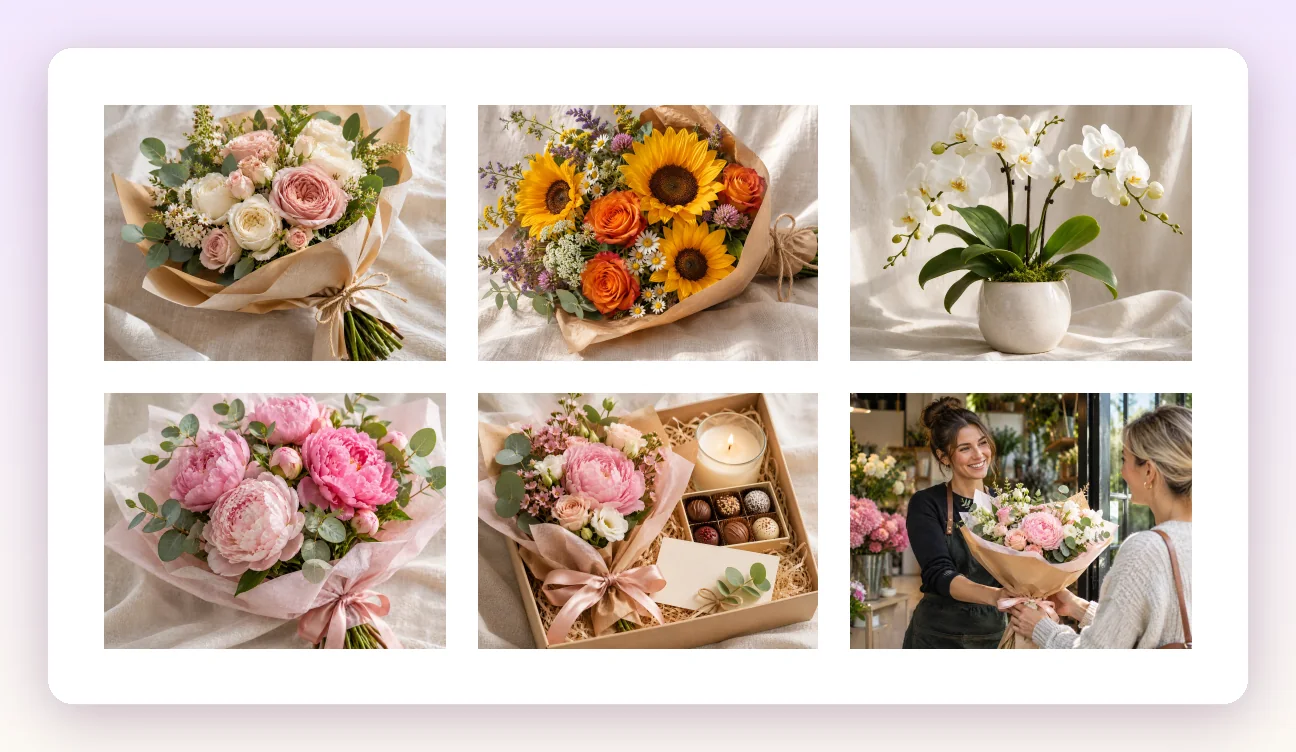
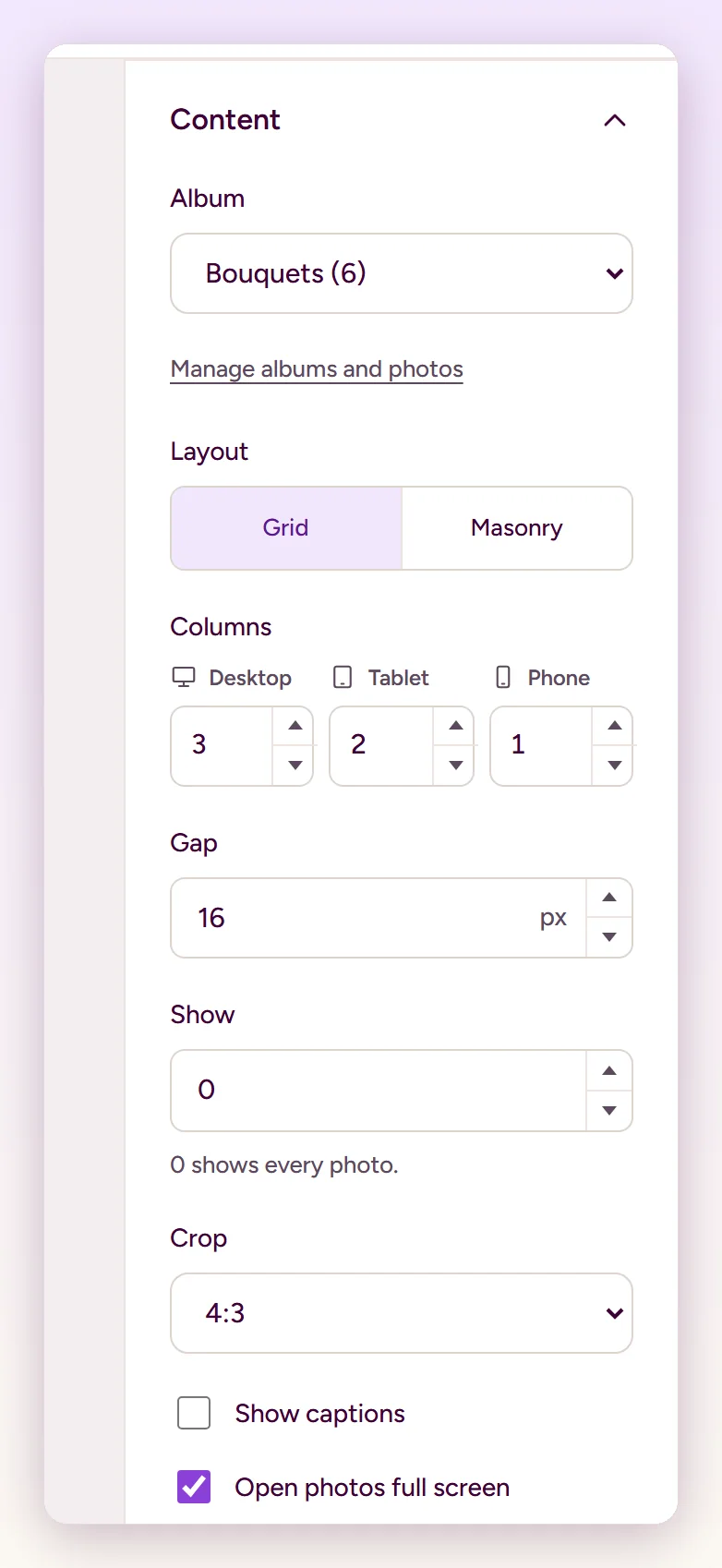
| Setting | What it does |
|---|---|
| Album | Which album to show. Manage albums and photos opens your media to create albums and add photos. |
| Layout | Grid (even rows) or Masonry (photos keep their shape, like a Pinterest board). |
| Columns | Separate numbers for desktop, tablet and phone. |
| Gap | Space between photos. |
| Show | How many photos to show. 0 shows every photo. |
| Crop | Original, Square, 4:3, 3:2 or Portrait 3:4. |
| Show captions | Shows each photo's caption (set captions in Media). |
| Open photos full screen | Visitors can tap a photo to see it large and swipe through. |
| Hover effect | Lift up, Grow a little, Add a shadow, Darken or Zoom the photo. |
Slideshow
A sliding row of photos from an album. Set Slides showing for desktop, tablet and phone, the Gap, the Crop (Wide 16:9, 3:2, 4:3, Square or Original) and whether to Show captions. Visitors swipe or use the arrows.
Before & after
Two photos of the same view with a slider in between, great for renovations, cleaning, landscaping and beauty.
| Setting | What it does |
|---|---|
| Before photo / After photo | Choose each photo. Take both from the same spot so the reveal lines up. |
| Before label / After label | The words shown on each side. |
| Starting position | Where the slider starts, as a percentage. |
| Crop | 4:3, 3:2, Wide 16:9, Square, Portrait 3:4, or the same as the after photo. |
Instagram grid and Logo strip
- Instagram grid shows photos from an album with your Instagram name and a Follow button. Upload a few favourite Instagram photos to an album, then choose how many to show, columns and gap. It doesn't connect to Instagram, so it never slows your site.
- Logo strip scrolls an album of logos (clients, partners or brands) across the page. Set the logo height, the speed, and whether logos show in grey until the mouse is over them.
Every element also has the shared Style, Layout and Advanced settings: colours, spacing, borders, effects, size, visibility per screen and custom CSS.
← All elements guides