Add it
- Click the section you want it in.
- Choose Add elements (the + at the top of the left-hand bar) and click Accordion or Tabs. You can also type its name in the search box.
- Select it, then open each question (or tab) in the panel on the right to change its words.
Accordion
Perfect for frequently asked questions. Visitors click a question to see its answer.
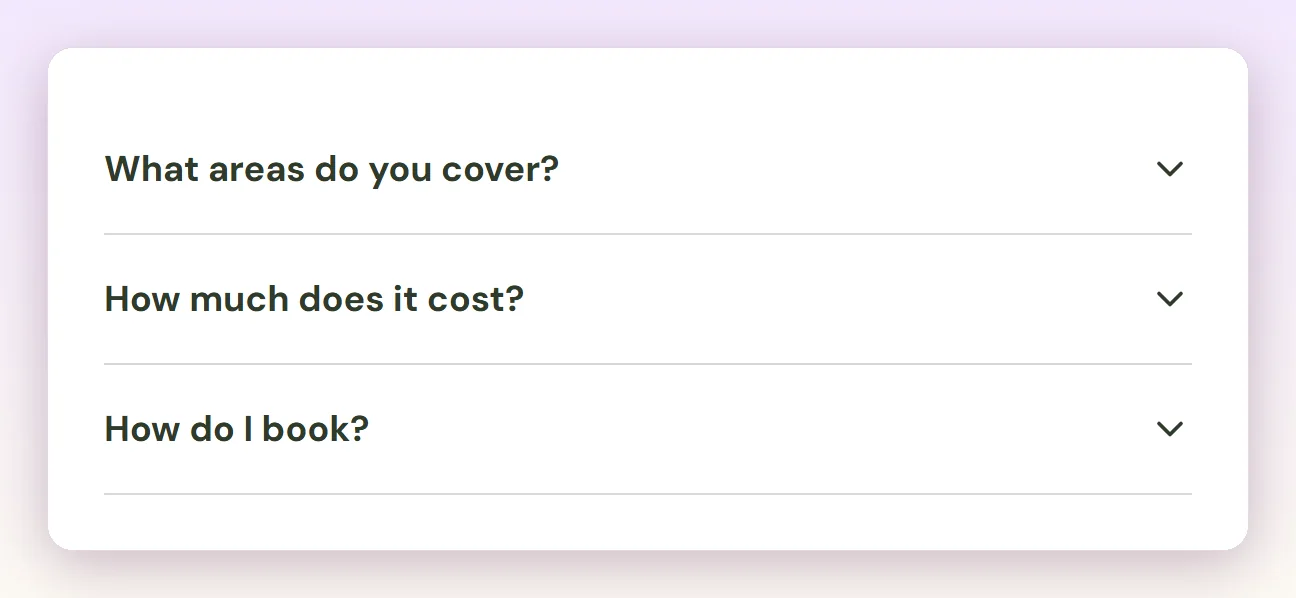
| Setting | What it does |
|---|---|
| Questions | Open one to edit its Question and Answer. Use Move up, Move down or Remove. |
| Add question | Add another. |
| Open the first question | Shows the first answer when the page loads. |
Tabs
Related content in panels, like Overview, Details and Pricing. Each tab has a Tab name and Text. Add tab to add more.
Every element also has the shared Style, Layout and Advanced settings: colours, spacing, borders, effects, size, visibility per screen and custom CSS.
← All elements guides