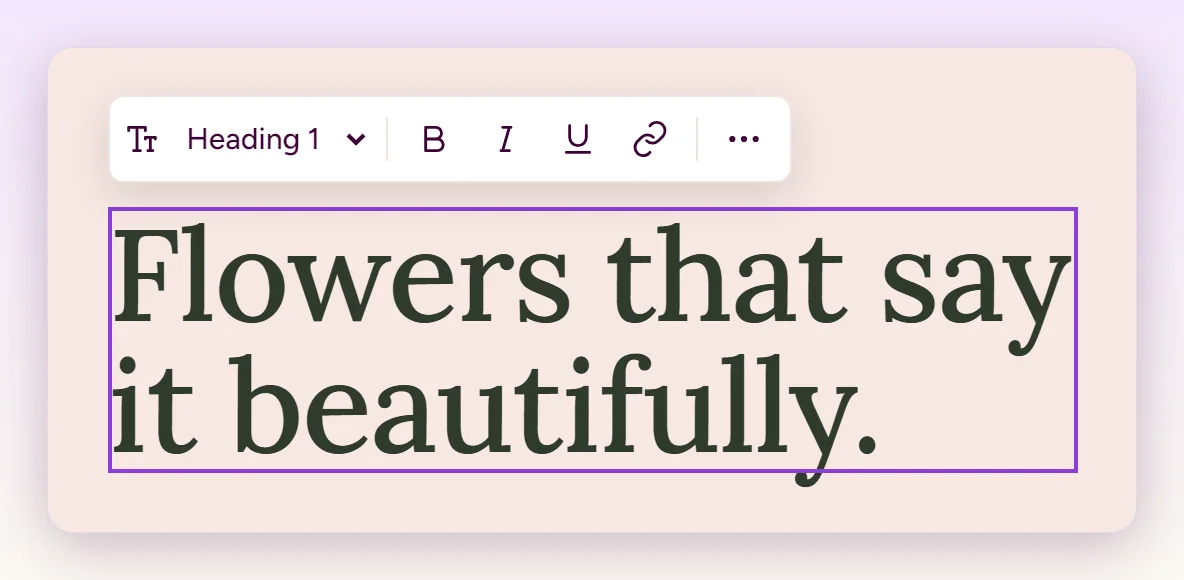
Heading is for titles and headlines. Text is for everything else: paragraphs, lists, small print and labels. Add them from Add elements, or double-click any existing text to change it.
Add it
- Click the section you want it in.
- Choose Add elements (the + at the top of the left-hand bar) and click Heading or Text. You can also type its name in the search box.
- Double-click it to type your words.
Write and format
Double-click to type. Select words to format them from the toolbar: bold, italic, underline and links. The Text style menu switches between Heading 1, Heading, Heading 3, Heading 4 and Paragraph. See Select, edit and move things.
Heading level
On the Advanced tab, a heading has a Heading level from H1 to H6. This sets the page's structure for Google and screen readers, not the size.
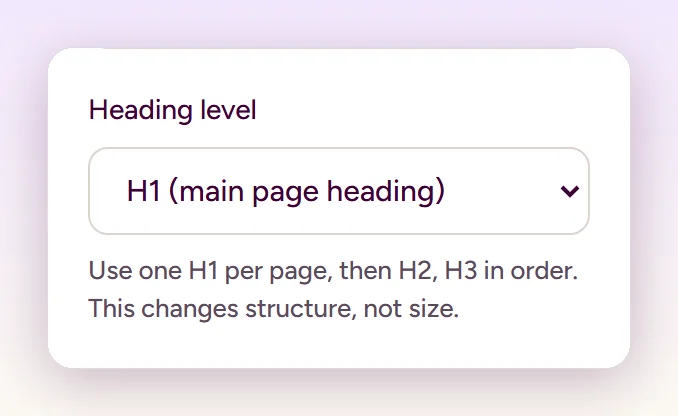
- Use one H1 per page: the main headline.
- Use H2 for section titles, then H3 for titles inside a section.
- Change the look with Size in the Style tab, so you can have a small H2 or a large H3.
Style settings
| Setting | Choices |
|---|---|
| Typeface | Heading font, Body font, or any font in the list |
| Size | Any size in pixels; set a smaller size on phones if a headline wraps too much |
| Weight | Regular, Medium, Semibold (headings) and Bold |
| Alignment | Left, centre, right, justified |
| Colour | Theme colour, custom colour or gradient (gradient text works on headings too) |
| Line height and letter spacing | In Spacing |
| Italic and Uppercase | In Spacing |
Every element also has the shared Style, Layout and Advanced settings: colours, spacing, borders, effects, size, visibility per screen and custom CSS.
← All elements guides