Add one
- Click the section you want it in.
- Choose Add elements (the + at the top of the left-hand bar) and click the element, like Countdown. You can also type its name in the search box.
- Select it to change it in the panel on the right.
Countdown
Counts down to a sale ending, a launch or an event.
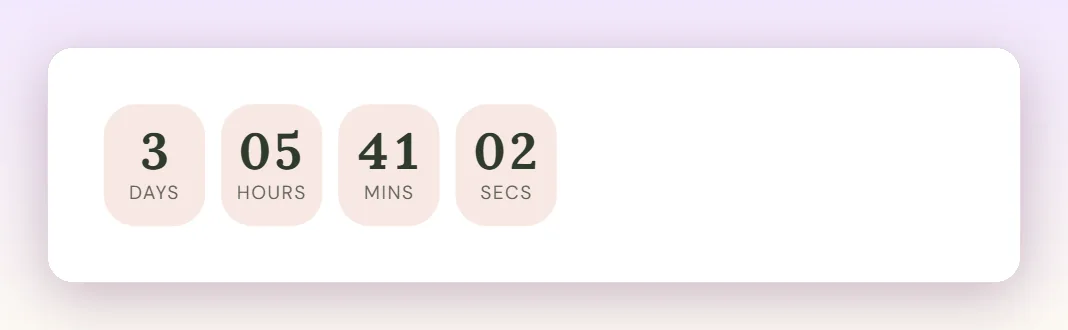
| Setting | What it does |
|---|---|
| Ends | The date and time it ends. |
| Time zone | The time zone for that date and time. It starts as your own; visitors anywhere see the same moment. |
| Style | Boxes or Inline. |
| Message when it ends | Shown once the time has passed, like "This offer has ended". |
Star rating
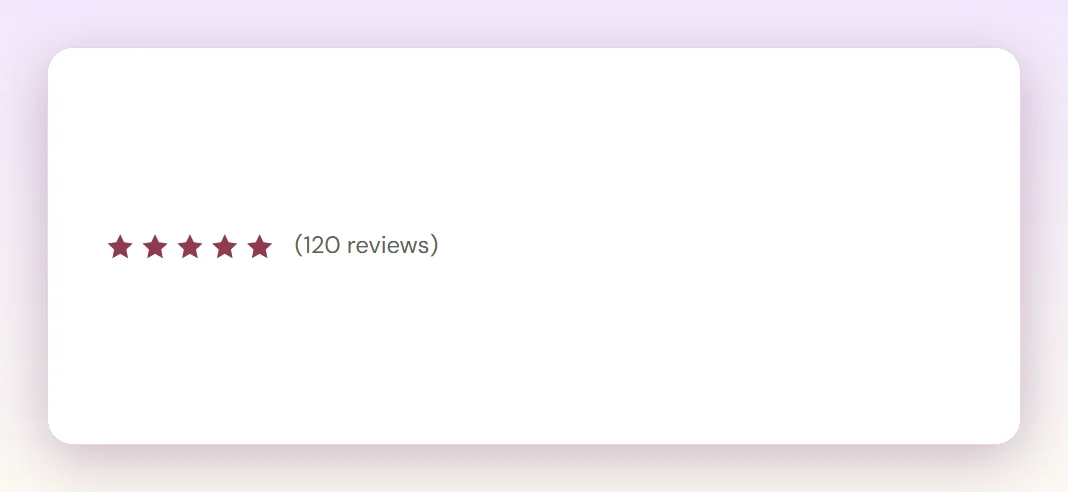
Shows stars from 1 to 5 (in halves), with optional Text beside it like "(1,234 reviews)", a star colour and size.
Sticker badge
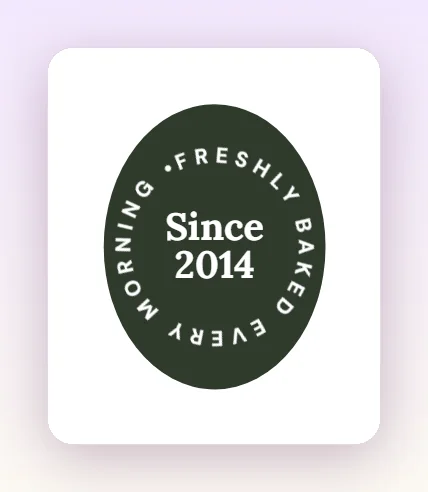
A round sticker with Text around the circle and a word, price or year in the Middle. Choose a Circle or Starburst shape, colours, and whether the text turns slowly. Set its size with Width under Layout.
Scrolling text
A moving line of words, one per line, with an optional Separator (like ✦ or •), a Speed and direction. It stops for visitors who prefer less motion.

Payment icons
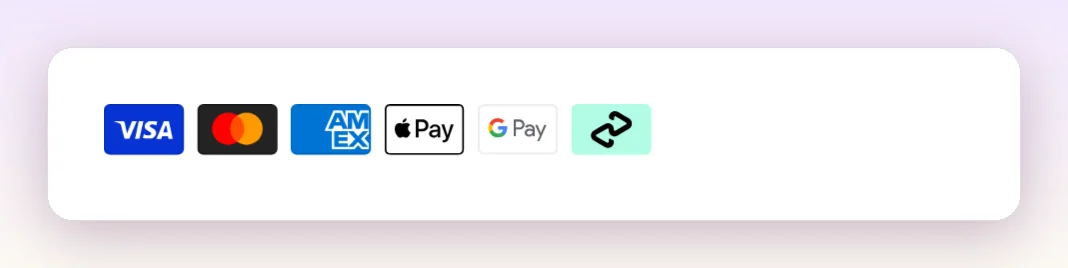
Shows the cards and payment methods you accept: Visa, Mastercard, American Express, PayPal, Apple Pay, Google Pay, Afterpay, Bank transfer and EFTPOS, each as its own logo. Resize with Size in the Style tab.
Search bar
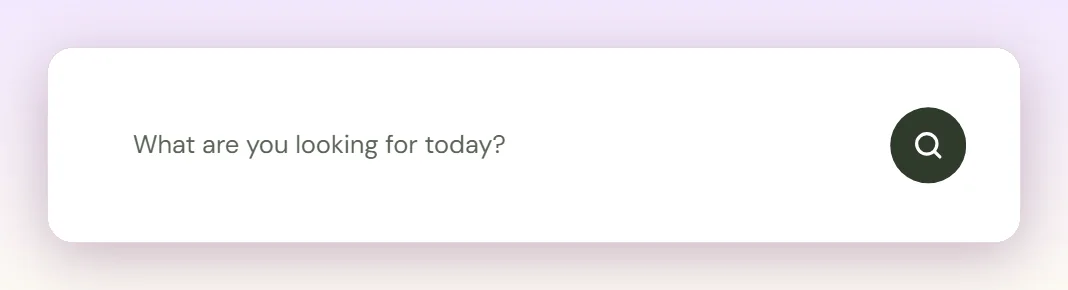
A search box that searches your published pages and shows results on a /search page. Choose a Style (Rounded with icon, Box with icon, Underline or With a button), the Placeholder words, background and corners.
Every element also has the shared Style, Layout and Advanced settings: colours, spacing, borders, effects, size, visibility per screen and custom CSS.
← All elements guides