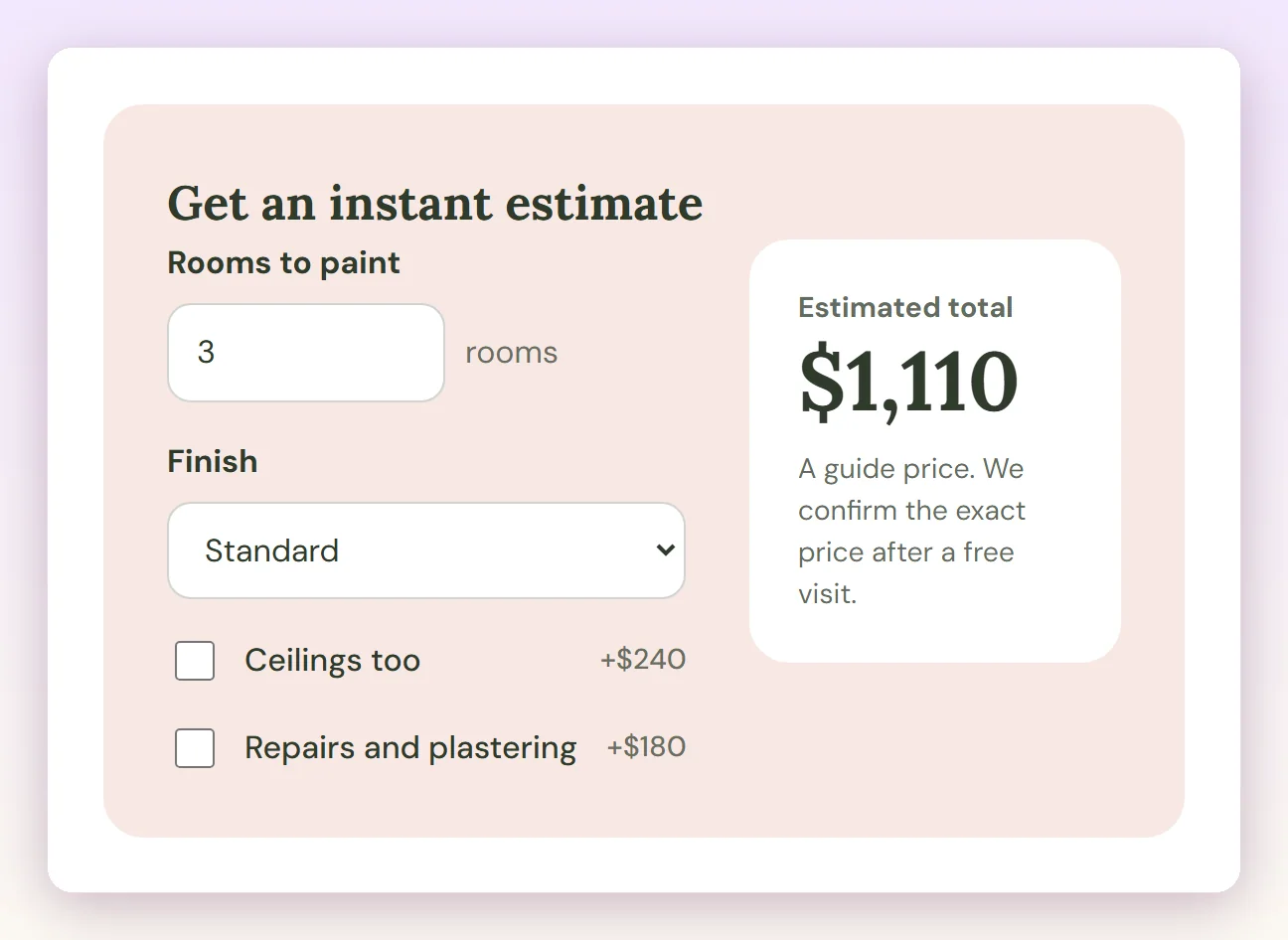
A price calculator gives visitors an instant estimate, like "3 rooms, premium paint, ceilings too: $1,950". Great for trades, cleaning, events and anything priced by quantity.
Add it
- Click the section you want it in.
- Choose Add elements (the + at the top of the left-hand bar) and click Price calculator. You can also type its name in the search box.
- Select it, then set up your questions and prices in the panel on the right.
Questions
Each question is one of three types:
| Type | How it works |
|---|---|
| Quantity | A number times a price, like rooms × $400. Set the Price for each, an optional Unit (rooms, m², hours), and the smallest, largest and starting amount. |
| Choice | A list of options, each adding its own price (see below). The first option is picked to start. |
| Extra | A tick box that adds a price when ticked, like "Ceilings too". |
For a Choice, write one option per line as the name, a bar, then the price added, like Premium paint | 150.
Total
| Setting | What it does |
|---|---|
| Starting price | Added before any answers, like a call-out fee. |
| Currency symbol | Like $ or €. |
| After the total | Like "+ tax" or "/month". |
| Total label and Small print | The words around the total, like "Estimated total" and "Final price confirmed after a visit". |
| Show a button under the total | With its text and where it goes, like "Get an exact quote". |
| Card colour | The calculator's background. |
Every element also has the shared Style, Layout and Advanced settings: colours, spacing, borders, effects, size, visibility per screen and custom CSS.
← All elements guides