Add it
- Click the section you want it in.
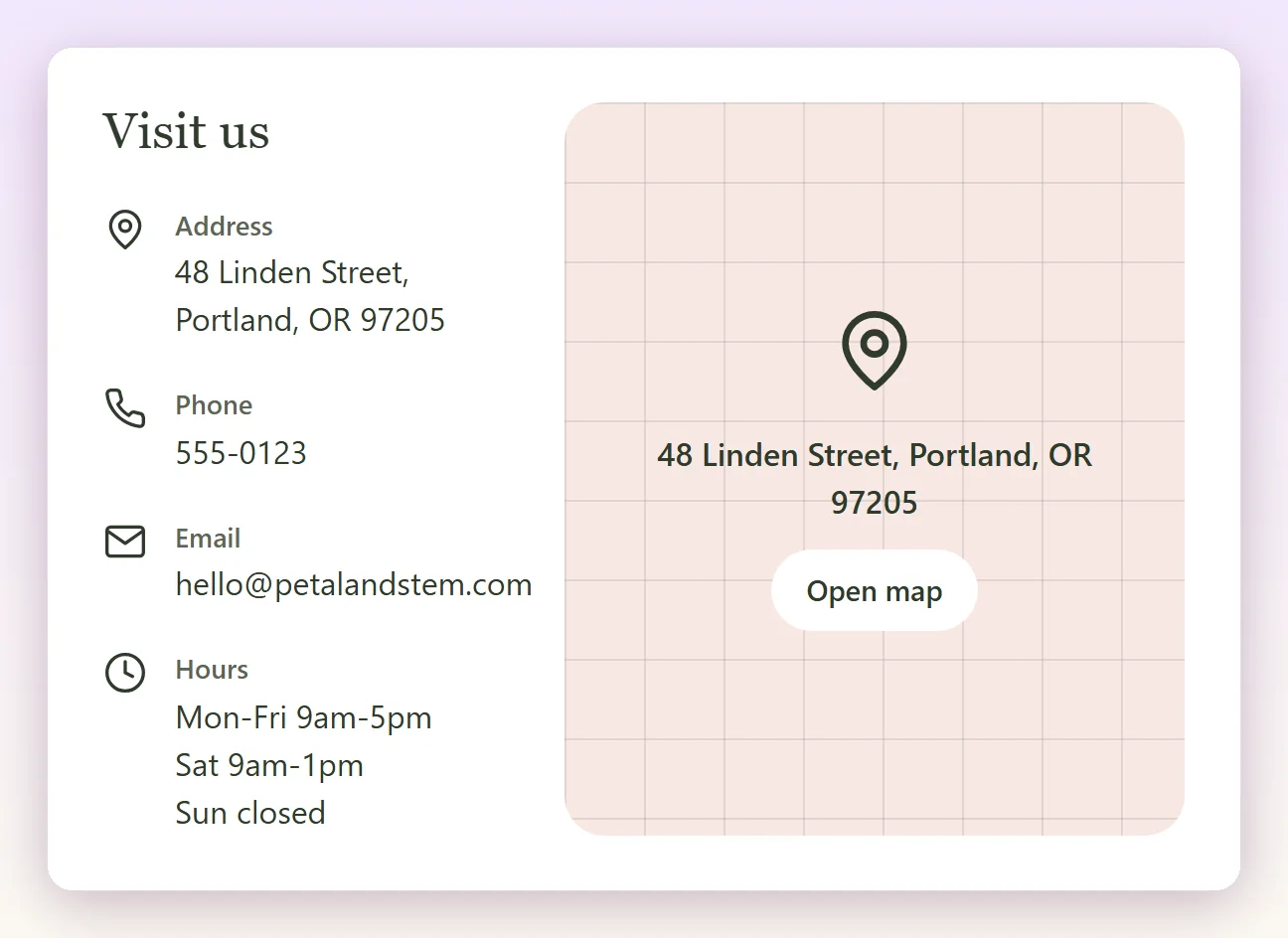
- Choose Add elements (the + at the top of the left-hand bar) and click Map or Contact details. You can also type its name in the search box.
- Select it and type your Address (and phone, email and hours) in the panel on the right.
Map
| Setting | What it does |
|---|---|
| Address | Your address, as you'd type it into a map. |
| Zoom | Town, Suburb, Streets or Close up. |
| Show contact details beside the map | Adds your details next to the map. |
The map loads only when a visitor scrolls to it, so it never slows your page.
Contact details
Everything in the map, plus:
| Setting | What it does |
|---|---|
| Heading | Like "Visit us" or "Find us". |
| Phone | Tap to call on phones. |
| Opens the visitor's email app. | |
| Opening hours | One line per day or range, like "Mon–Fri 8am–5pm". |
Every element also has the shared Style, Layout and Advanced settings: colours, spacing, borders, effects, size, visibility per screen and custom CSS.
← All elements guides