Roofers and roofing companies
A roofing website people trust with their home.
A roof is a big decision. Show your experience, warranties and finished work, and make booking an inspection or quote quick and easy.

Everything a roofing website needs.
Repairs to re-roofs
Sections for repairs, re-roofing, new roofs, gutters and inspections.
Materials explained
Help customers compare metal, tile and membrane roofs.
Warranties and safety
Show your guarantees, insurance and safety record.
Inspection requests
A form for property address, roof type, issue and photos.
Storm and urgent work
Make urgent repair details clear when it matters most.
Project photos
Before-and-after roofs and drone shots in galleries.
Pages for a roofing company.
Ridgeline includes the pages homeowners expect from a roofer.
- Home with services and an inspection button
- Repairs, re-roofing and new roofs
- Materials and warranties
- Projects gallery
- About, safety and contact
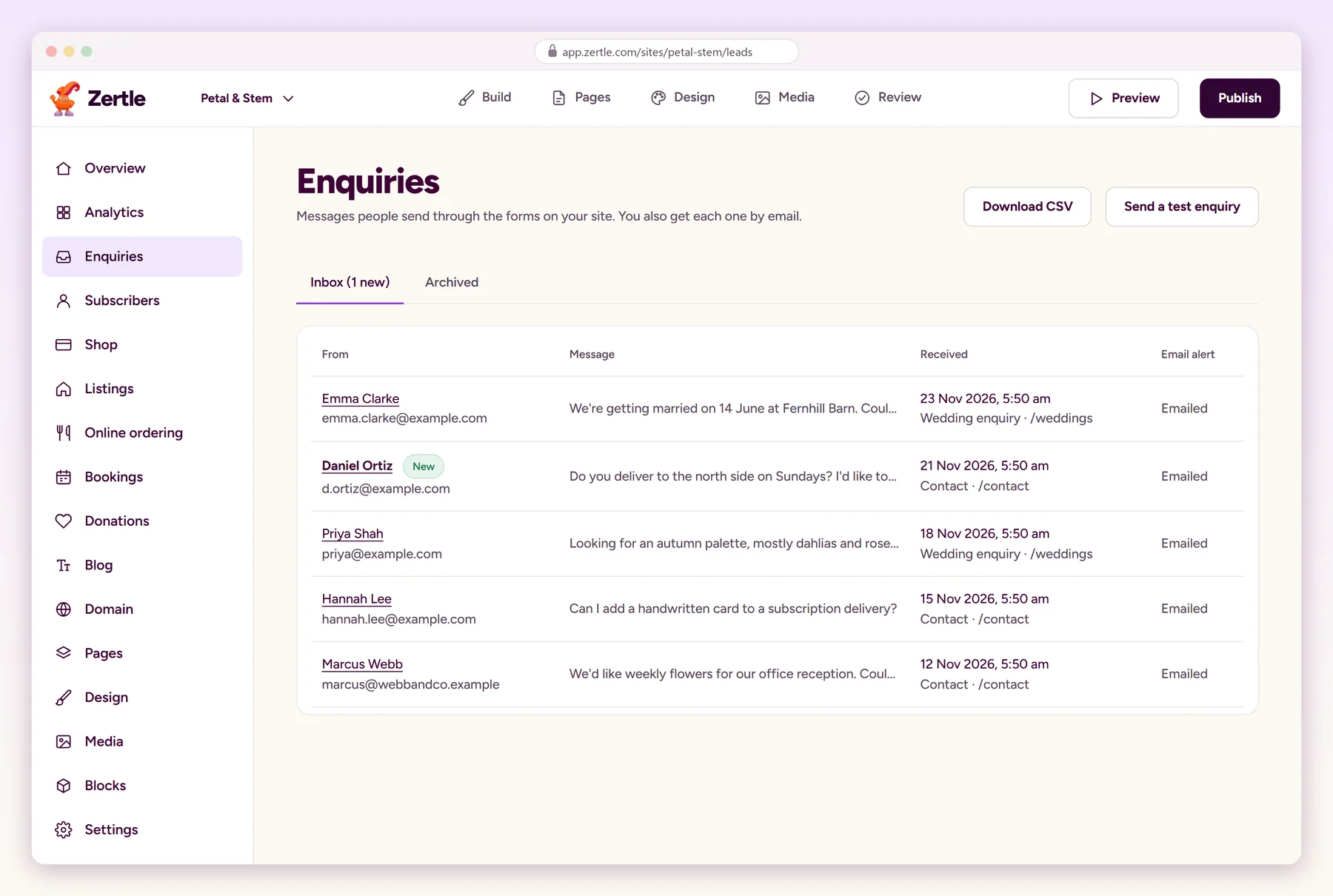
Free inspection requests, organised.
Your inspection form saves every request with the address, roof type and photos, and alerts you by email. Label requests as Inspected, Quoted or Won to keep track.
Guide
Building trust on a roofing website.
Roofing is a big, infrequent purchase, so people compare several companies. Stand out by being the clearest: what you do, the materials you work with, your warranties and exactly what happens after someone asks for an inspection.
Show proof from the roof itself. Before-and-after photos, drone shots of finished re-roofs and close-ups of flashing and ridging demonstrate care in a way words can't. Add the suburb to each project so locals recognise their area.
Be ready for urgent work. After a storm, people search on phones for help right now. A visible urgent repairs section and a short form that asks for the address and photos lets you respond fast and prioritise.
Live in an afternoon.
- 1
Start from Ridgeline
Open the roofing template.
- 2
Add services and materials
Describe what you offer.
- 3
Set up inspection requests
Choose your form questions.
- 4
Publish
Go live on your own domain.
Roofing website questions.
More in the help centre.
What should a roofing company website include?
Your services, materials you work with, warranties, insurance and safety details, project photos, reviews and an inspection or quote request form.
Can roofing customers request an inspection online?
Yes. Add a form with the questions you need and turn on photo uploads. Requests go to your inbox with an email alert.
How can a roofing website get more leads?
Make the request button visible on every page, show real local projects, list your service areas and collect reviews from happy customers.
Guides for your site.
Templates for roofing websites.
All website templates
Raise the roof on enquiries.
Start from a template made for roofers.