- Open Shop → Shop settings and find Card payments (Stripe).
- Choose your country and Connect Stripe.
- Stripe asks for your business and bank details on its own secure form, then sends you back to Zertle. When it's finished, card payments switch on.
- Publish your site.
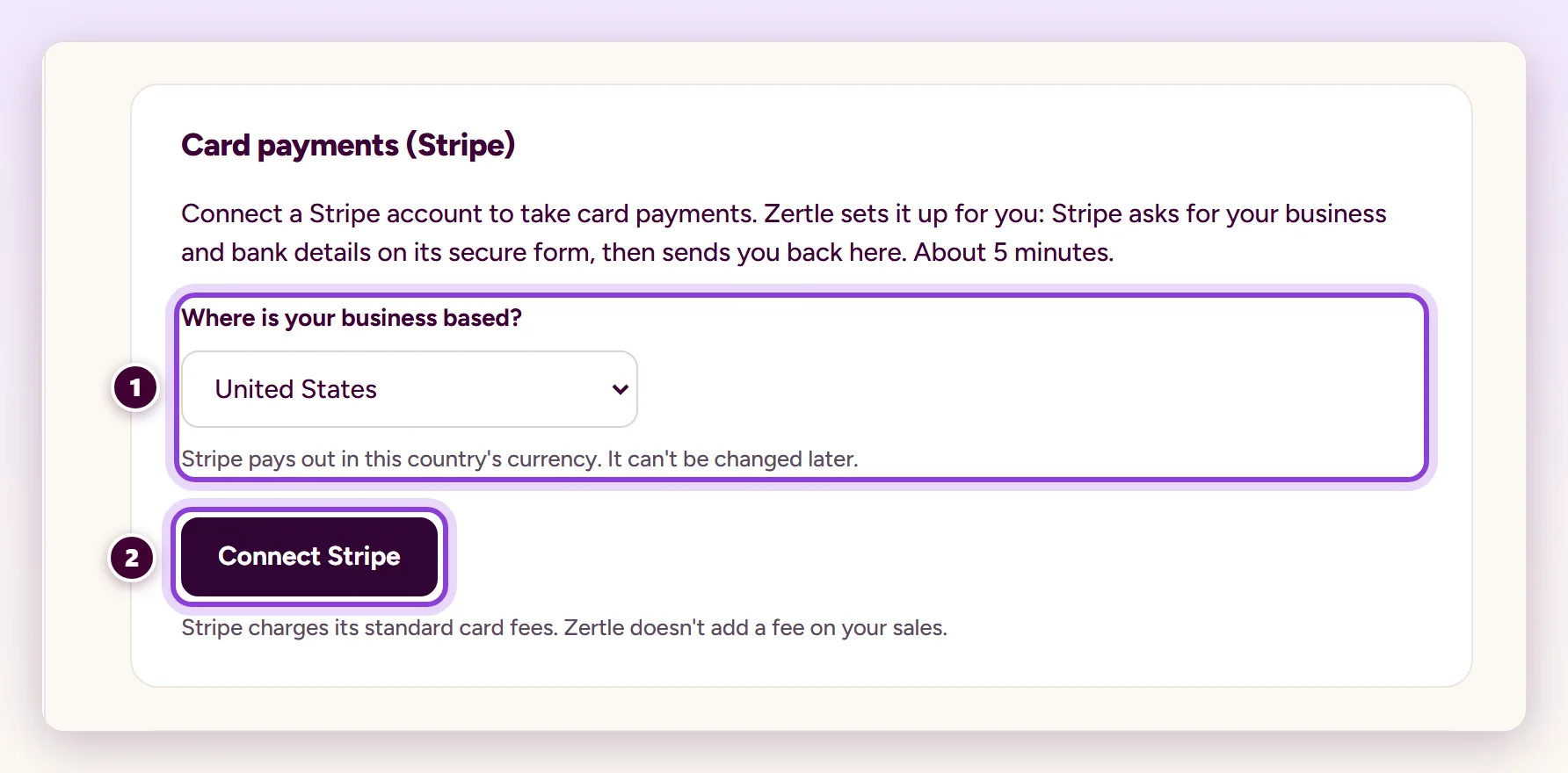
Money goes straight to your Stripe account and Stripe pays it into your bank. Stripe charges its standard card fees; Zertle doesn't add a fee on your sales.
The same Stripe connection is used for online food ordering and donations.
With Stripe connected, you can also let shoppers pay in instalments with Afterpay, Klarna, Affirm or Zip. See Pay later.
← All online shop guides